> ## Documentation Index
> Fetch the complete documentation index at: https://www.cashfree.com/docs/llms.txt
> Use this file to discover all available pages before exploring further.
# Status Codes and Templates
> Reference every Cashfree VKYC status, sub-status combination, user template, and agent template you need to interpret responses and configure your flow.
This reference guide explains the status codes, user templates, and agent templates available for Video KYC (VKYC) implementation. Use this information to understand response parameters and configure your VKYC flow.
## Status and sub-status reference
The following table describes all possible status and sub-status combinations returned by the VKYC API, along with recommended actions for each scenario.
### Request status types
The status codes are organised by verification phase. Each phase contains specific sub-status codes that indicate the current state and required actions.
| Sub-status | Description | Recommended action |
| ---------------------- | --------------------------------------------------- | ----------------------------------------------- |
| `INSUFFICIENT_BALANCE` | The request is rejected due to insufficient balance | Add funds to your account and retry the request |
| Sub-status | Description | Recommended action |
| ---------------- | ------------------------------------------------- | ----------------------------------------------------------- |
| `LINK_GENERATED` | The link for Video KYC was generated successfully | Share the link with the user through your preferred channel |
| Sub-status | Description | Recommended action |
| ------------------------------------ | ----------------------------------------------------- | ------------------------------------------------------ |
| `AADHAAR_VERIFICATION_SUCCESS` | The user's Aadhaar details were verified successfully | Proceed to the next verification step |
| `AADHAAR_VERIFICATION_FAILED` | The user's Aadhaar details could not be verified | Ask the user to retry with correct Aadhaar information |
| `AADHAAR_VERIFICATION_EXPIRED` | The Aadhaar verification session expired | Restart the Aadhaar verification process |
| `USER_IP_VERIFICATION_SUCCESSFUL` | The user's IP address was verified successfully | Continue with the verification flow |
| `USER_PROXY_DETECTED` | A proxy or VPN was detected | Ask the user to disable proxy/VPN and retry |
| `TECHNICAL_FAILURE` | A technical issue occurred during verification | Retry after some time or contact support |
| `USER_LOCATION_VERIFICATION_SUCCESS` | The user's location was verified successfully | Proceed to device checks |
| `USER_LOCATION_OUTSIDE_INDIA` | The user is outside India | Reject the request or ask user to retry from India |
| `USER_AUDIO_CHECK_FAILED` | The user's microphone is not enabled | Ask the user to enable microphone access |
| `USER_VIDEO_CHECK_FAILED` | The user's camera is not enabled | Ask the user to enable camera access |
| `USER_LOCATION_PERMISSION_DISABLED` | The user did not grant location access | Ask the user to allow location permissions |
| `USER_DEVICE_CHECK_SUCCESS` | The user's device passed all checks | Proceed to agent assignment |
| `USER_QUEUED` | The user is waiting for an available agent | Display queue position and estimated wait time |
| `SCHEDULED_USER_QUEUED` | The user is queued for a scheduled appointment | Notify user of scheduled time |
| `NO_AGENT_FOUND` | No agent is available at this time | Retry after some time or offer scheduling |
| `AGENT_ASSIGNED_TO_USER` | An agent has been assigned to the user | Notify user that verification will begin |
| `USER_MEETING_SCHEDULED` | The user's meeting is scheduled successfully | Send meeting details to the user |
| `USER_MEETING_CANCELLED` | The user's meeting was cancelled | Offer rescheduling options |
| `VKYC_EXPIRED` | The user's VKYC link has expired | Resend the VKYC link to the user |
| Sub-status | Description | Recommended action |
| ----------------------- | ------------------------------------------ | ----------------------------------------- |
| `USER_ACCEPTED_MEETING` | The user accepted the meeting invitation | Start the VKYC verification process |
| `USER_REJECTED_MEETING` | The user rejected the meeting invitation | Reschedule or mark verification as failed |
| `USER_MISSED_MEETING` | The user missed the scheduled meeting | Offer rescheduling options |
| `USER_DROPPED_OFF` | The user disconnected during verification | Log the issue and offer reconnection |
| `AGENT_DROPPED_OFF` | The agent disconnected during verification | Retry with another agent |
| `USER_ENDED_CALL` | The user ended the call | Review session completeness |
| `AGENT_ENDED_CALL` | The agent ended the call | Review agent's remarks and next steps |
| Sub-status | Description | Recommended action |
| ----------------- | ---------------------------------------------- | --------------------------------------------- |
| `TECHNICAL_ERROR` | A technical error occurred during verification | Retry the verification or escalate to support |
| Sub-status | Description | Recommended action |
| -------------------------- | ---------------------------------------------- | --------------------------------------- |
| `AGENT_APPROVED` | The agent approved the user's KYC verification | Proceed to auditor review stage |
| `AGENT_REJECTED` | The agent rejected the user's KYC verification | Notify user with rejection reason |
| `AGENT_UNABLE_TO_VALIDATE` | The agent could not complete validation | Retry with another agent or new session |
| Sub-status | Description | Recommended action |
| ------------------ | ------------------------------------------------ | ----------------------------- |
| `AUDITOR_APPROVED` | The auditor approved the user's KYC verification | Mark verification as complete |
| `AUDITOR_REJECTED` | The auditor rejected the user's KYC verification | Mark verification as failed |
## User templates
User templates define the customer journey and determine which verification steps are included in the VKYC process. The template you choose affects the user experience and verification flow.
### vkyc\_user\_template\_v1
This is the standard template that includes mobile OTP authentication, conditional DigiLocker Aadhaar verification, and agent-assisted video verification.
The template behaviour depends on whether Aadhaar details are provided in the [Initiate Video KYC Request](/docs/api-reference/vrs/v2/video-kyc/initiate-vkyc):
**When Aadhaar details are provided:** The DigiLocker verification step is skipped, creating a streamlined 2-step process.
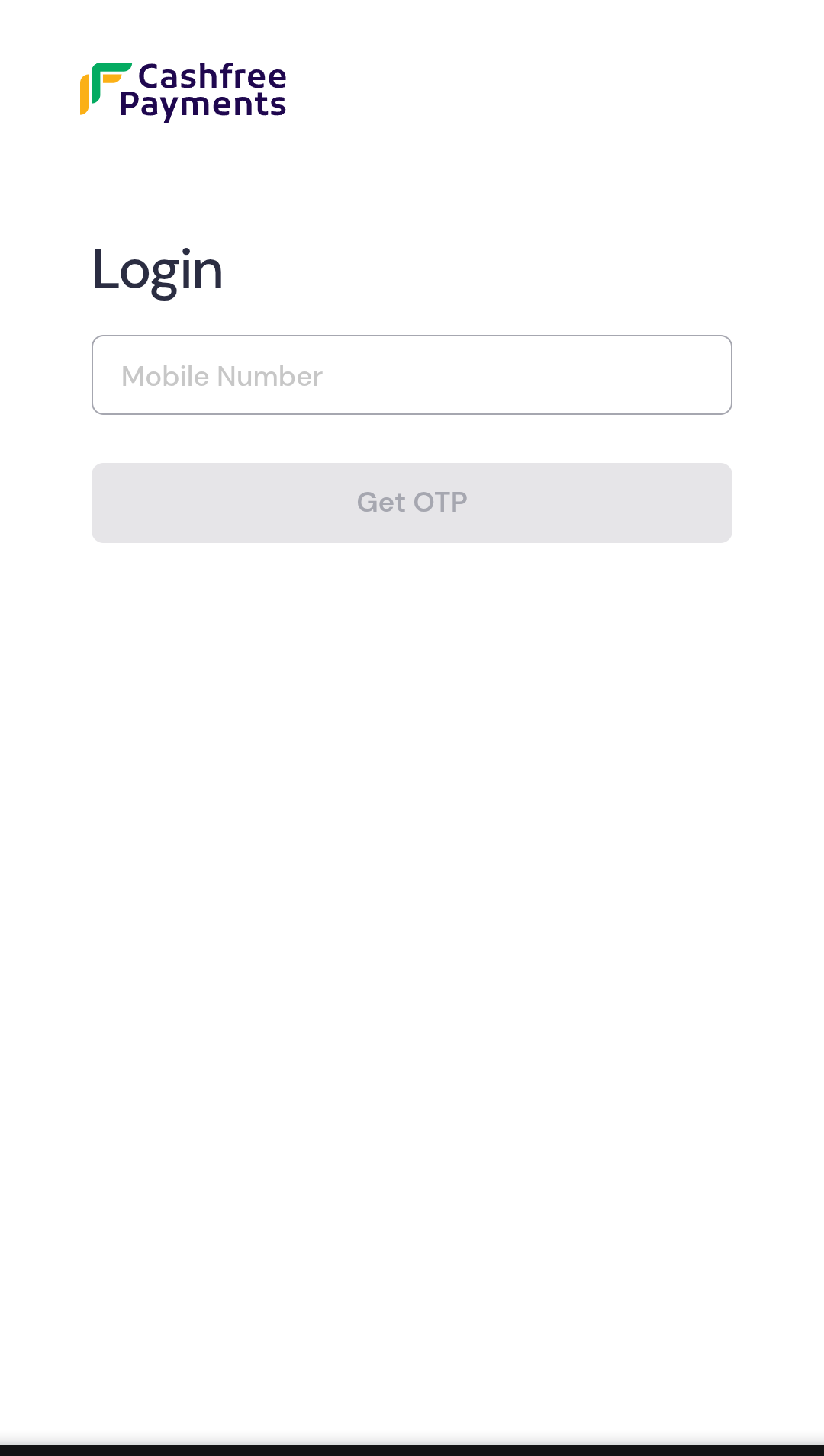
User authenticates using mobile OTP sent to their registered number
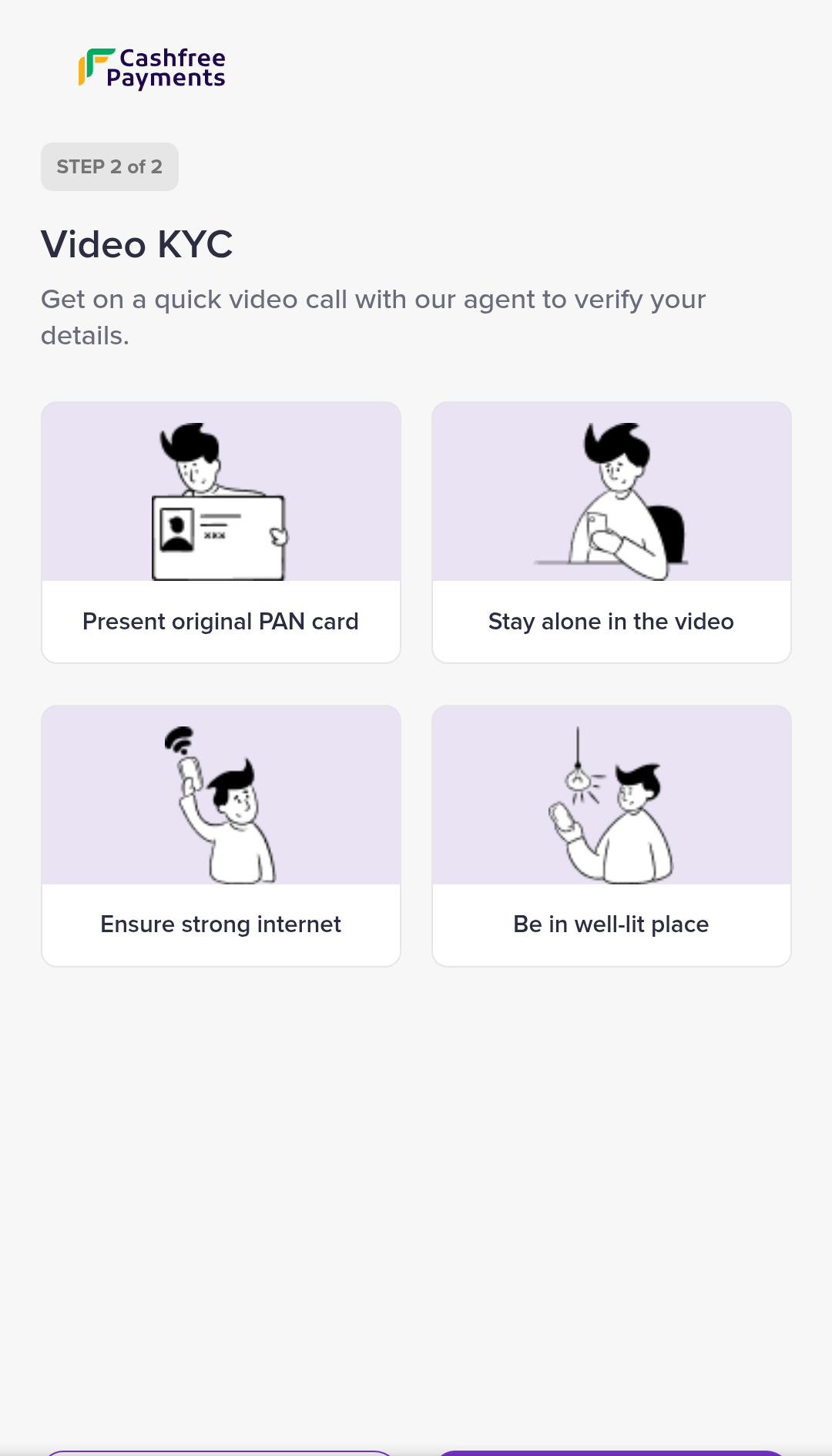
Direct connection with verification agent for identity confirmation
**When Aadhaar details are not provided:** The complete 3-step verification process including DigiLocker authentication.
User authenticates using mobile OTP
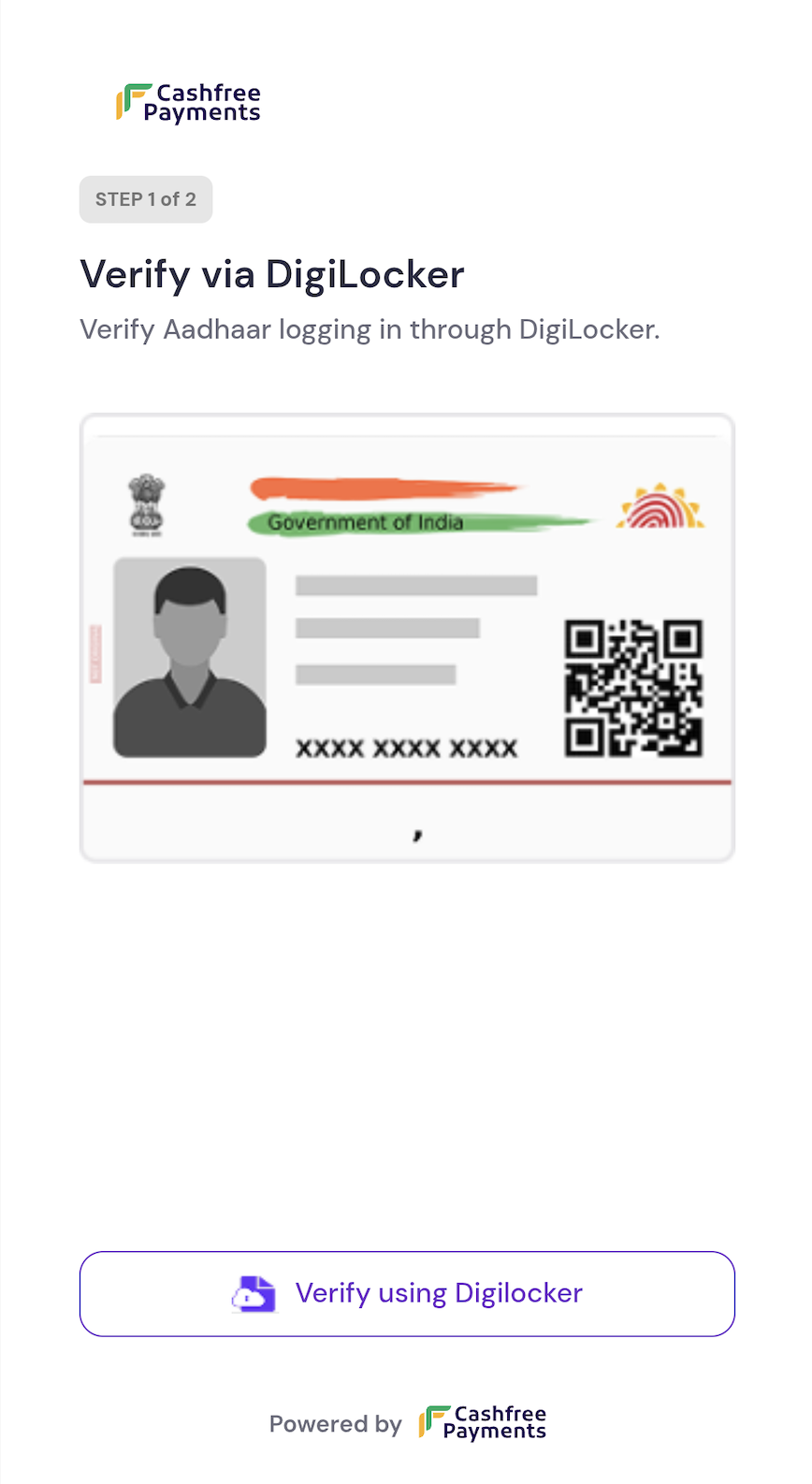
Aadhaar verification through DigiLocker
Agent-assisted video verification call
**Custom templates:** To create a custom `user_template` tailored to your specific requirements, contact your account manager.
## Agent templates
Agent templates define the verification steps that agents must complete during the VKYC process. These templates ensure consistent verification procedures across all sessions.
### vkyc\_agent\_template\_v2
This is the default template used by verification agents during the VKYC process. It includes standardised verification steps and documentation requirements.
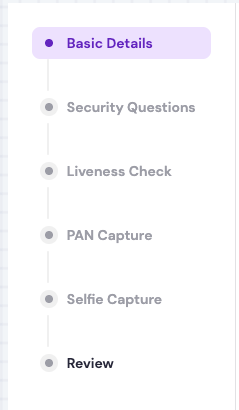
Standard agent interface with verification checklist and documentation requirements
**Custom agent templates:** To create a custom `agent_template` with specific verification steps or compliance requirements, contact your account manager.