> ## Documentation Index
> Fetch the complete documentation index at: https://www.cashfree.com/docs/llms.txt
> Use this file to discover all available pages before exploring further.
# Paypal for International Payments
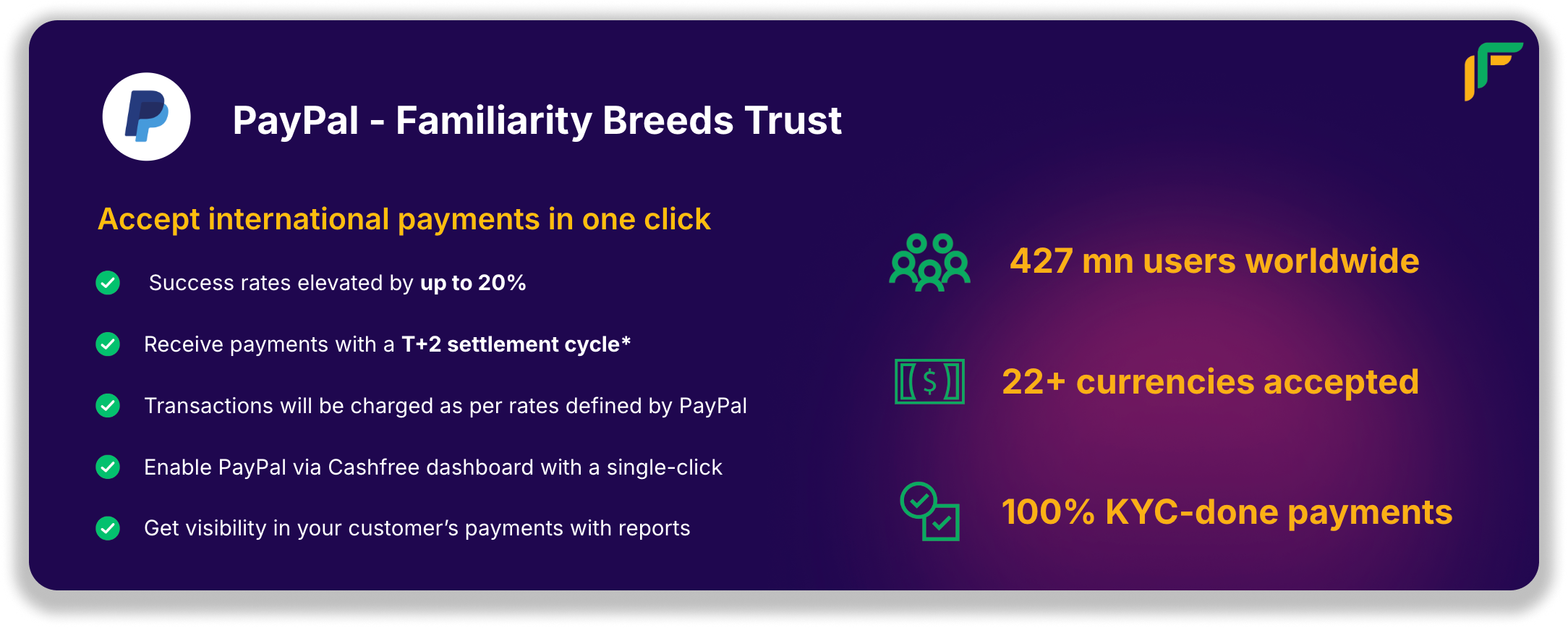
> Accept international payments in one click via PayPal on Cashfree, the world's leading wallet payment provider, and settle funds in INR to your bank.
### Worried about paying 8-10% of your revenue in PayPal costs?
Introducing industry-first Forex Markup feature that allows you to offset your costs by up to 75% on international transactions via Paypal.
Watch below how to activate this from your merchant dashboard.
### Getting started
Head over to your Cashfree merchant dashboard and connect your PayPal seller account today.
For more details on activating PayPal, visit this link: [Accept payments from PayPal](https://docs.cashfree.com/docs/activate-payment-methods#activate-payment-mode---paypal)
 ### Worried about paying 8-10% of your revenue in PayPal costs?
Introducing industry-first Forex Markup feature that allows you to offset your costs by up to 75% on international transactions via Paypal.
### Worried about paying 8-10% of your revenue in PayPal costs?
Introducing industry-first Forex Markup feature that allows you to offset your costs by up to 75% on international transactions via Paypal.
 Watch below how to activate this from your merchant dashboard.
### Getting started
Head over to your Cashfree merchant dashboard and connect your PayPal seller account today.
For more details on activating PayPal, visit this link: [Accept payments from PayPal](https://docs.cashfree.com/docs/activate-payment-methods#activate-payment-mode---paypal)
Watch below how to activate this from your merchant dashboard.
### Getting started
Head over to your Cashfree merchant dashboard and connect your PayPal seller account today.
For more details on activating PayPal, visit this link: [Accept payments from PayPal](https://docs.cashfree.com/docs/activate-payment-methods#activate-payment-mode---paypal)