

Status and sub-status reference
The following table describes all possible status and sub-status combinations returned by the VKYC API, along with recommended actions for each scenario.Request status types
The status codes are organised by verification phase. Each phase contains specific sub-status codes that indicate the current state and required actions.REJECTED - Request rejected
REJECTED - Request rejected
RECEIVED - Request accepted
RECEIVED - Request accepted
PRE_VIDEO_CALL - Pre-verification checks
PRE_VIDEO_CALL - Pre-verification checks
VIDEO_CALL - During video verification
VIDEO_CALL - During video verification
FAILED - Verification failed
FAILED - Verification failed
AGENT_REVIEWED - Agent review complete
AGENT_REVIEWED - Agent review complete
AUDITOR_REVIEWED - Final review complete
AUDITOR_REVIEWED - Final review complete
User templates
User templates define the customer journey and determine which verification steps are included in the VKYC process. The template you choose affects the user experience and verification flow.vkyc_user_template_v1
This is the standard template that includes mobile OTP authentication, conditional DigiLocker Aadhaar verification, and agent-assisted video verification. The template behaviour depends on whether Aadhaar details are provided in the Initiate Video KYC Request:- With Aadhaar details
- Without Aadhaar details
When Aadhaar details are provided: The DigiLocker verification step is skipped, creating a streamlined 2-step process.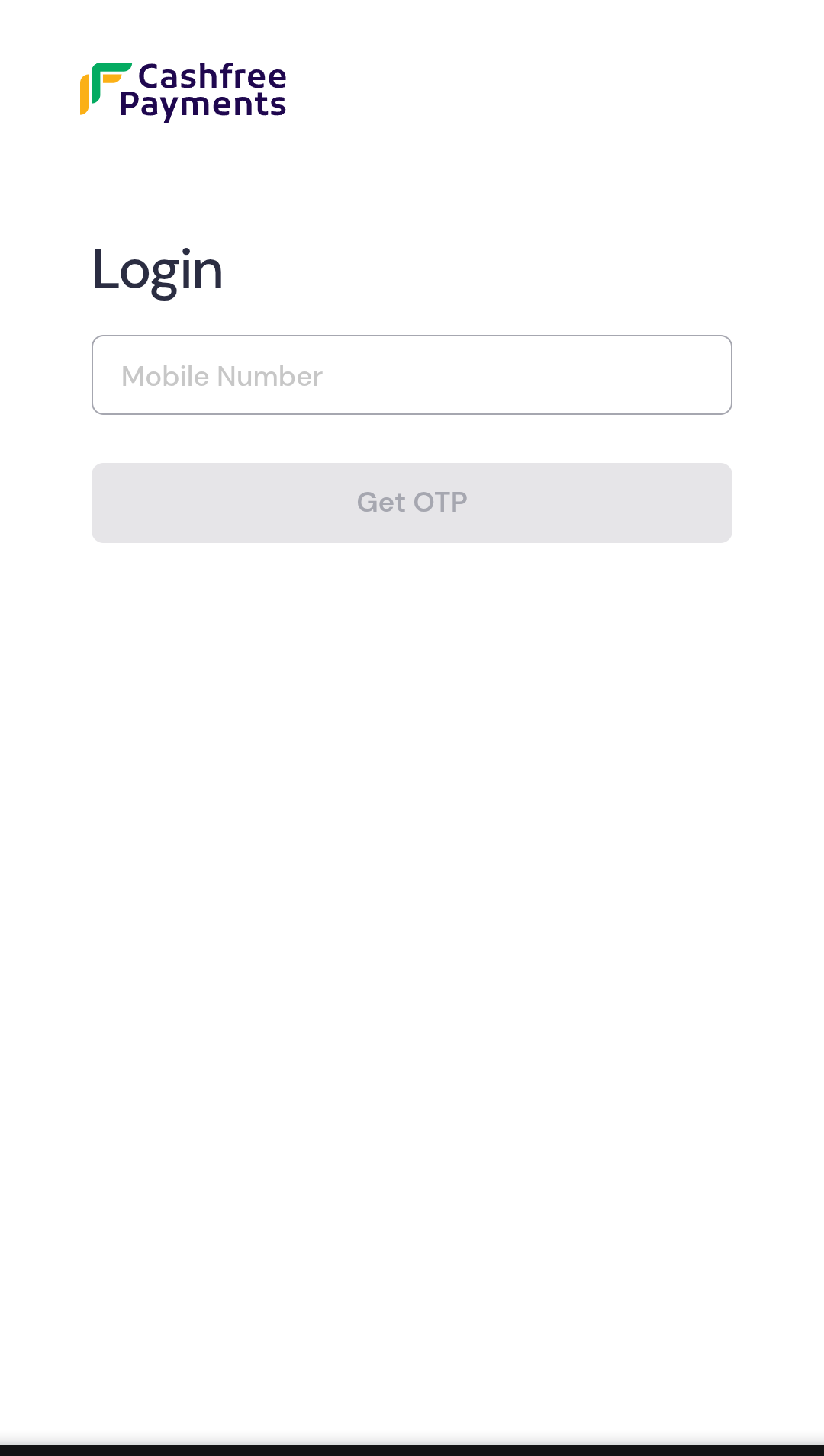
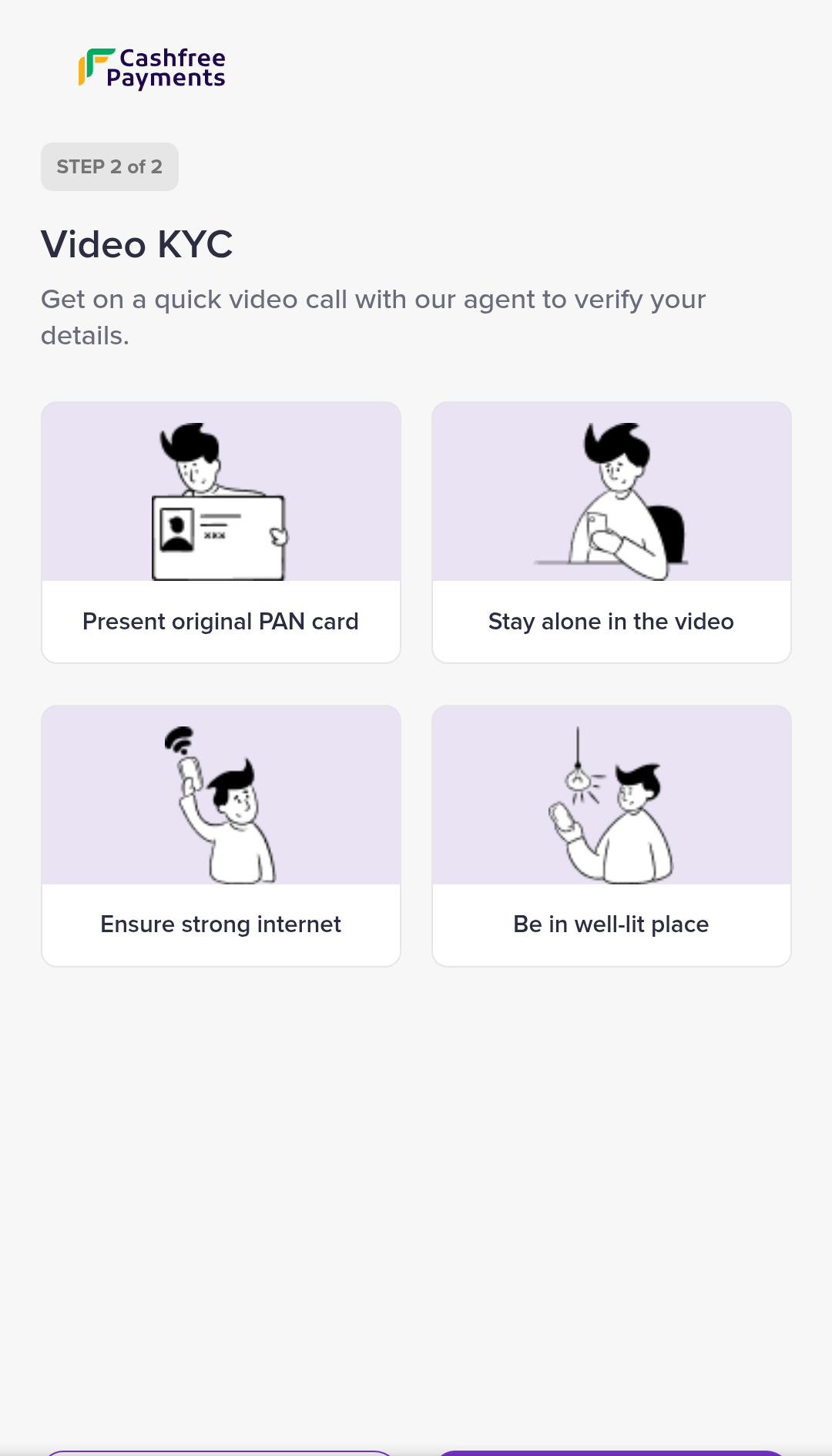
Step 1: Mobile authentication
User authenticates using mobile OTP sent to their registered number
Step 2: Video verification
Direct connection with verification agent for identity confirmation
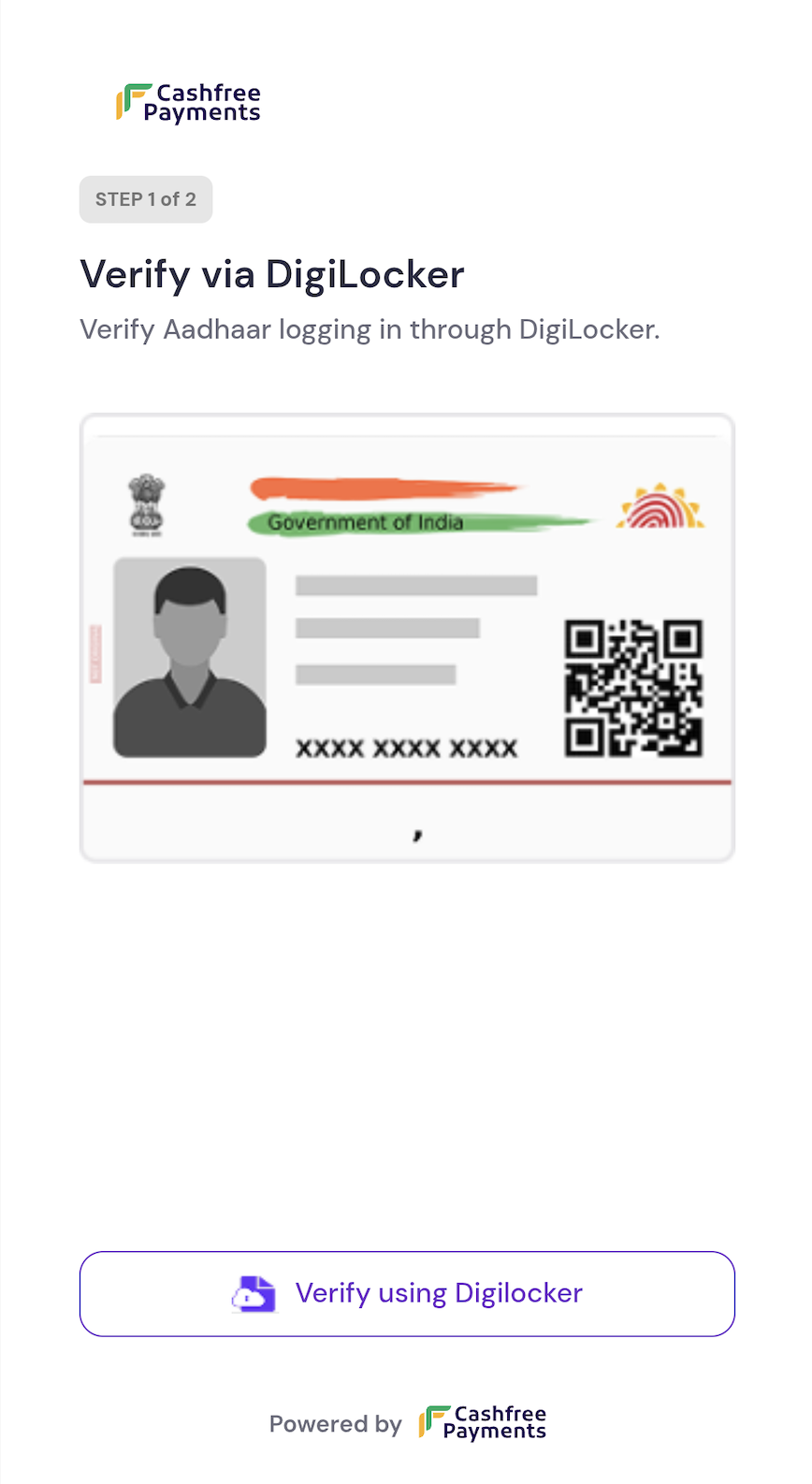
Custom templates: To create a custom
user_template tailored to your specific requirements, contact your account manager.Agent templates
Agent templates define the verification steps that agents must complete during the VKYC process. These templates ensure consistent verification procedures across all sessions.vkyc_agent_template_v2
This is the default template used by verification agents during the VKYC process. It includes standardised verification steps and documentation requirements.Default agent verification template
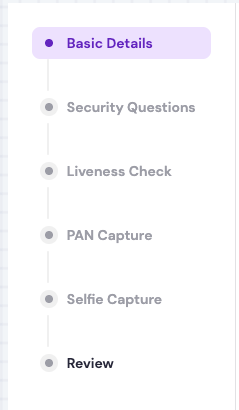
Standard agent interface with verification checklist and documentation requirements
Custom agent templates: To create a custom
agent_template with specific verification steps or compliance requirements, contact your account manager.