

Signup for the affiliate program
To become an Affiliate Partner, you must first create an Affiliate Partner account with Cashfree.- Go to the Cashfree Affiliate Partner website and click Become A Partner.
-
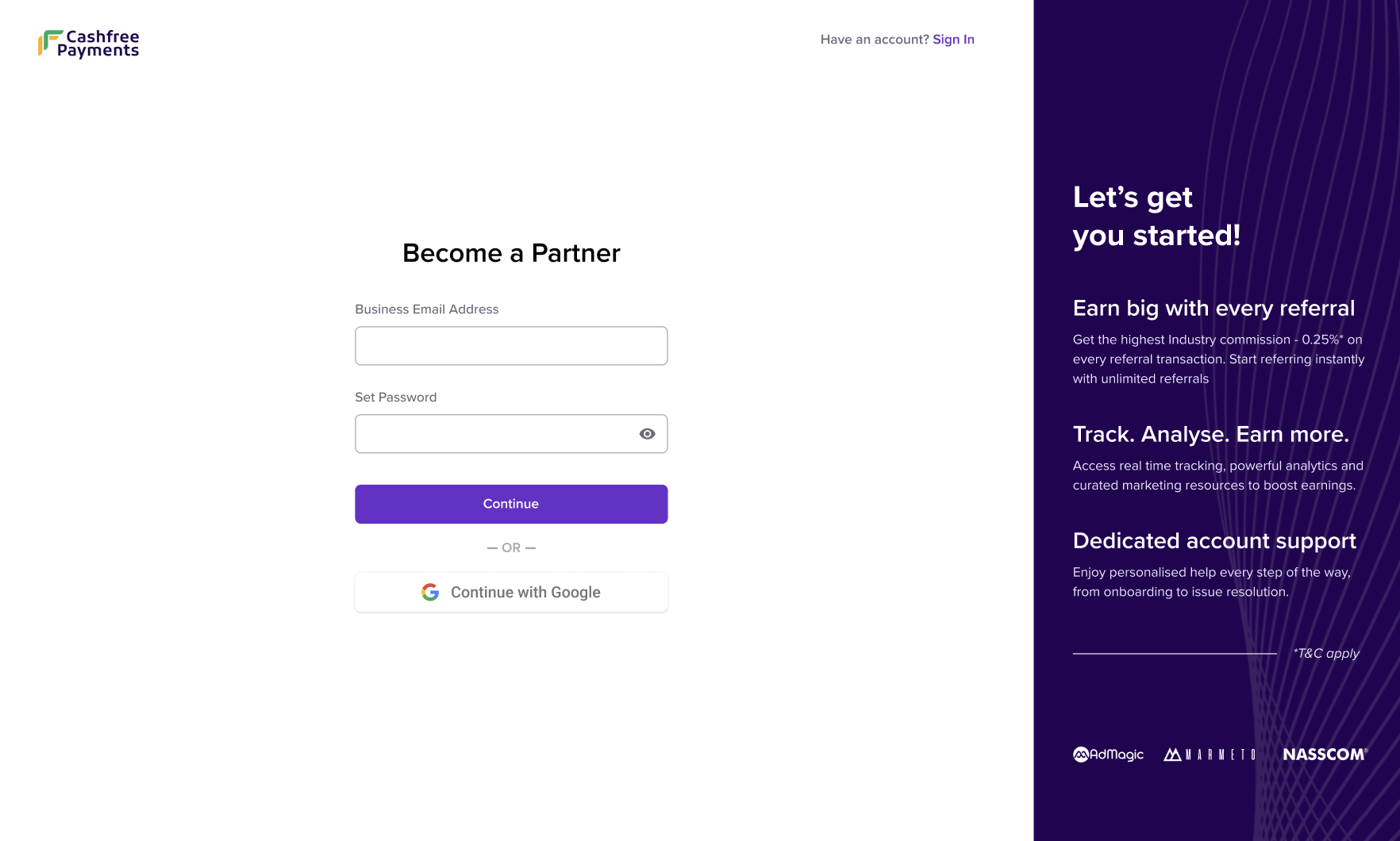
In the Become a Partner window, enter your business email and create a password for your account or signup using your Gmail account.
-
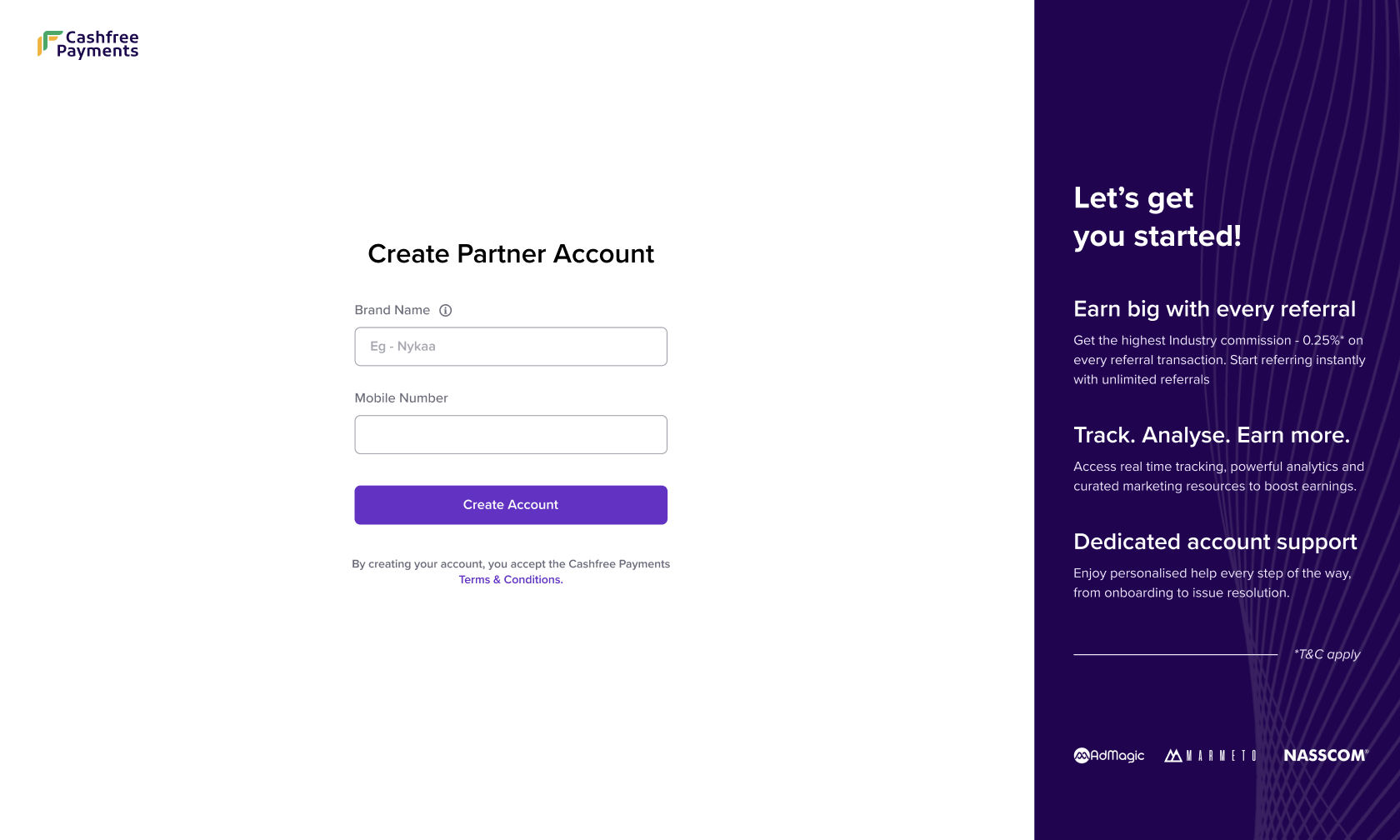
In the Create Partner Account window, enter your brand name and valid mobile number. Cashfree will verify the mobile number by sending an OTP.
- Login to the Affiliate Partner Dashboard using the same credentials.
Activate affiliate account
After signing up, you must complete the KYC process to activate your affiliate account. We’ll verify your submitted details and enable your account for commission payouts. Commission earnings are activated only after KYC verification. Complete the KYC process at the earliest.
To activate your account:
- Login to the Affiliate Partner dashboard using your credentials.
- On the Summary page, go to the Complete your KYC banner and select Complete Now.
- In the KYC form:
- Fill in your business details.
- Fill in your business verification details.
- Fill in your bank account details.
- Select Submit.
- You will be notified via email and WhatsApp once the review is complete. You can also track the status on your Partner Dashboard.
- If any discrepancies are found, they will be displayed on your dashboard. Please correct and resubmit the details.
- Once your KYC is approved, you will be eligible to withdraw any earned commissions.
Info: Offer Cashfree product suite to your clients. You can refer merchants using your Dashboard. Once referred, you can assist them with their KYC and Payment Integration. Learn how to refer new merchants using your Affiliate Partner Dashboard.
Note: Offer Cashfree product suite to your clients. You can refer merchants using your Dashboard. Once referred, you can assist them with their KYC and Payment Integration. Learn how to refer new merchants using your Affiliate Partner Dashboard.