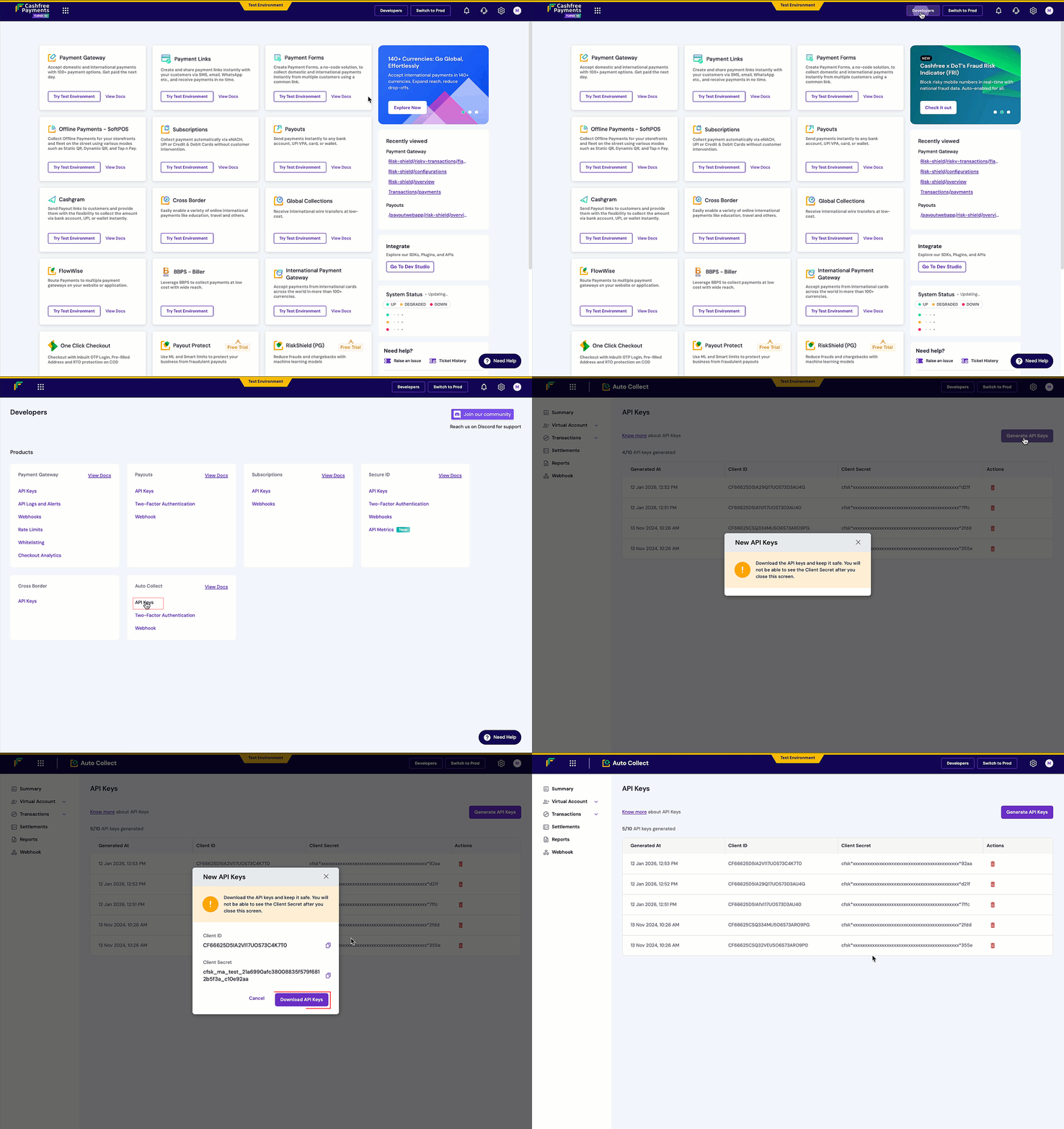
To start using Global Collection APIs, generate your API credentials by following these steps:
  1. Log in to the Merchant Dashboard.
  2. Go to Developers.
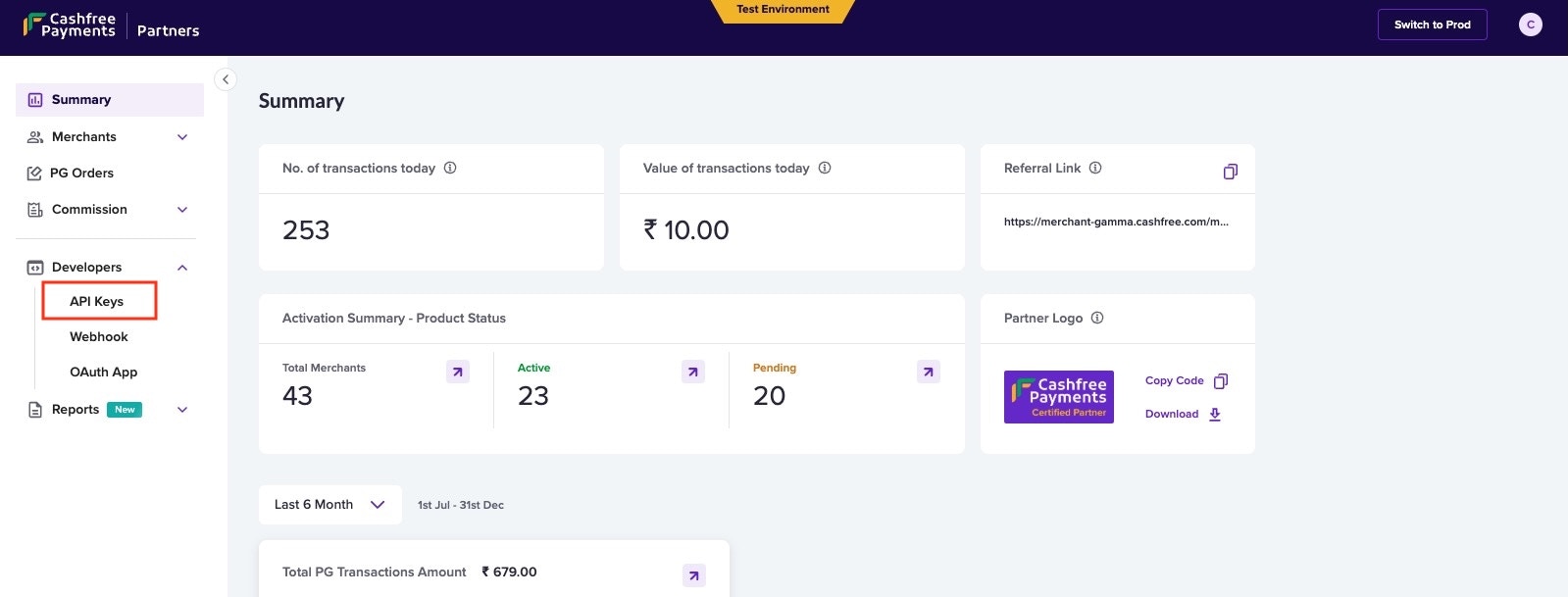
  3. Click API Keys under the respective product card.
  4. Select Generate API Keys and click Download.
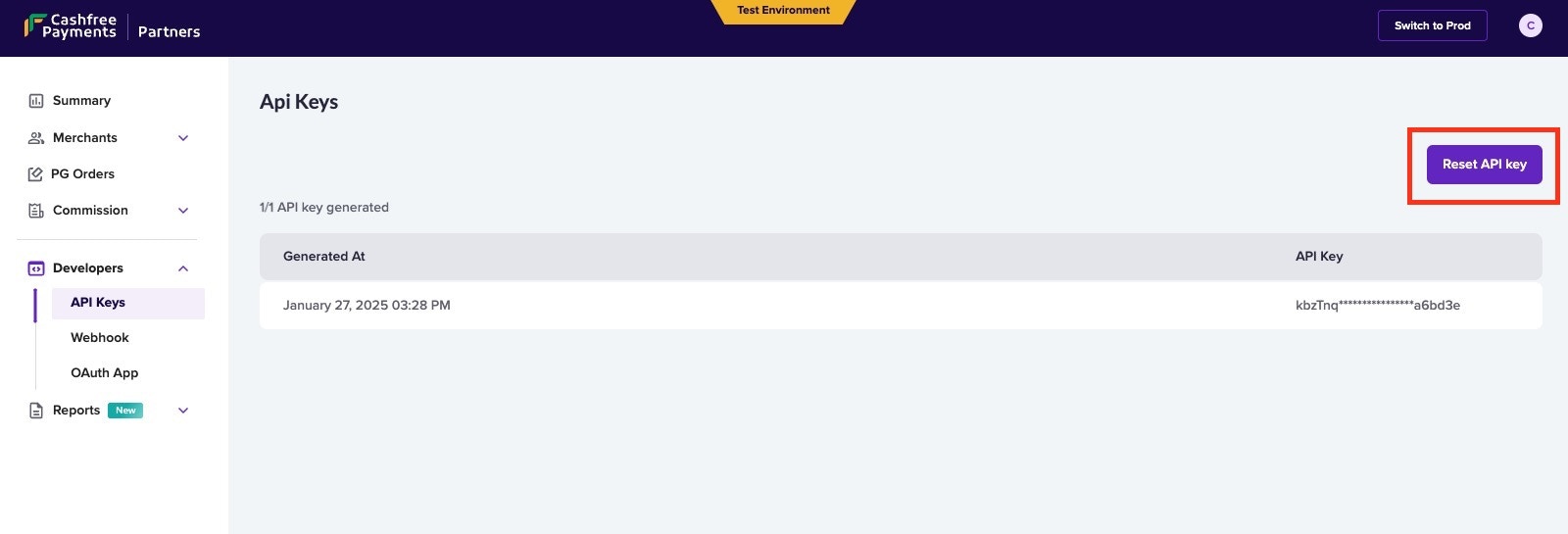
In the test environment, keys are auto-generated. In production, click Generate API Keys and complete two-factor authentication. View keys by clicking the icon and selecting View API Key.

Based on who you are, consider the below values in the API requests
Cashfree MerchantCashfree Partner
x-client-idx-partner-api-key
x-client-secretx-partner-merchantid
Global Collections List of APIs
API NameDescription
Get TokenThis API generates a new token.
Verify TokenVerify the authentication token generated. The response will be ‘Token is not valid’ if the token does not exist, invalid or has been expired.
Get Collection AccountsThis API fetches all the virtual accounts that are linked with this account.
Get TransactionsUse this API to get all the transaction details within a time interval.
Add Transaction DetailsUse this API to add transaction details to upload multiple invoices until the cumulative total of all invoice amounts matches the transaction amount.
Simulate TransactionUse this API to simulate funding to any of the virtual accounts of your merchants.