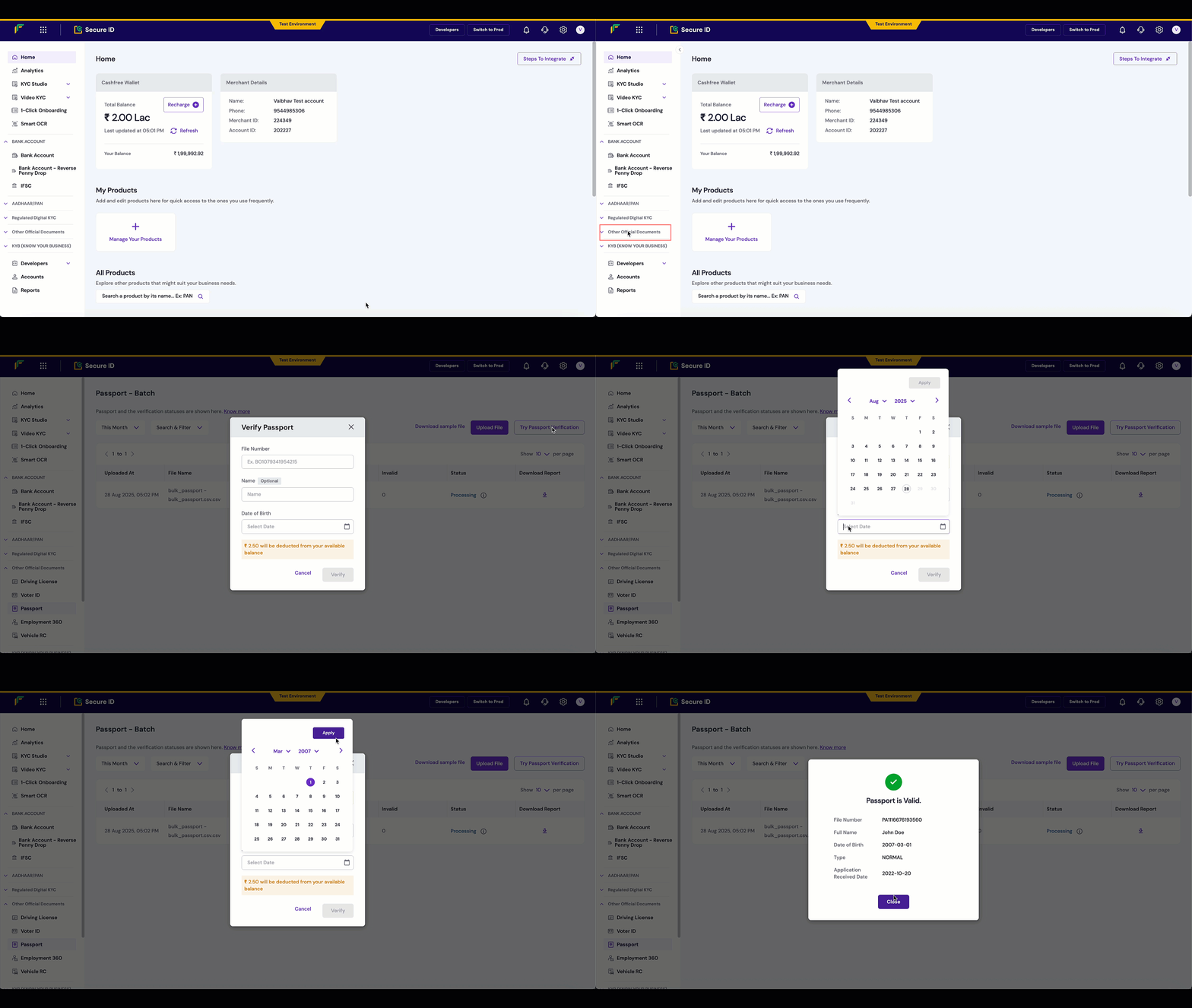
Validate passport authenticity using the Cashfree Passport Verification API to confirm passport file numbers and date of birth against government records.
The Passport Verification API validates passport authenticity by verifying the passport file number and date of birth against official government records. When validation is successful, the API returns the passport holder’s name, application type, application date, and verification status.This verification method is used by travel, hospitality, and compliance industries to confirm identity during bookings and check-ins to meet required security protocols.
{ "type": "invalid_request_error", "code": "verification_failed", "message": "Invalid passport number or date of birth", "details": [ { "field": "passport_number", "issue": "Passport not found in records" } ]}
Integrate the Passport Verification API into your application to automatically verify passport details within your signup or onboarding flow.