There are various reports that can be generated from BBPS Billers. These reports help you to analyse your business transactions, and much more. You can view these reports day-wise, week-wise or for a custom date range. You also have the option to download the reports. There are two reports you can generate from the BBPS Billers Report Dashboard : Transactions ReportDocumentation Index
Fetch the complete documentation index at: https://www.cashfree.com/docs/llms.txt
Use this file to discover all available pages before exploring further.
- Bill Status Report
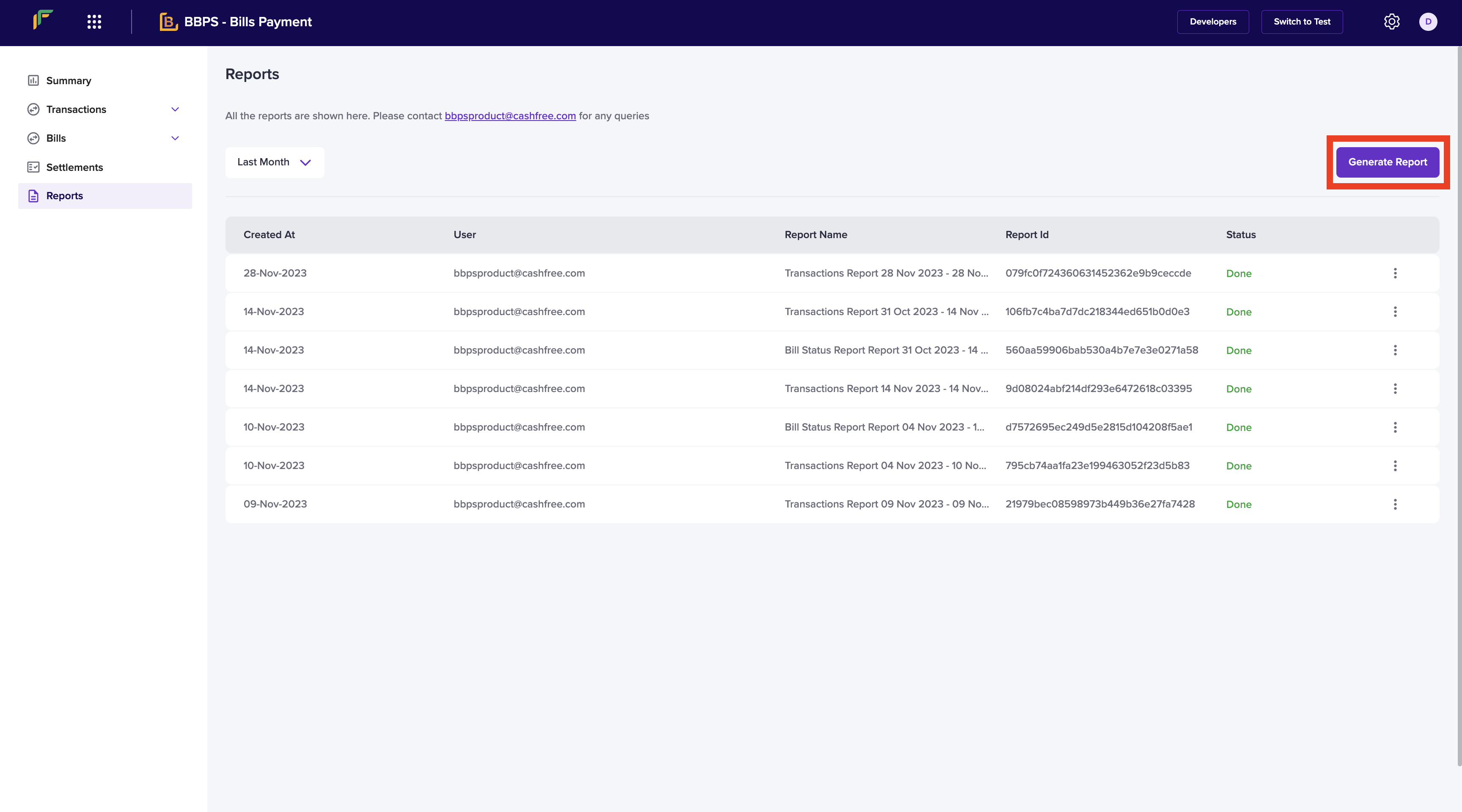
- Go to BBPS Billers Dashboard > Reports > Generate Report.
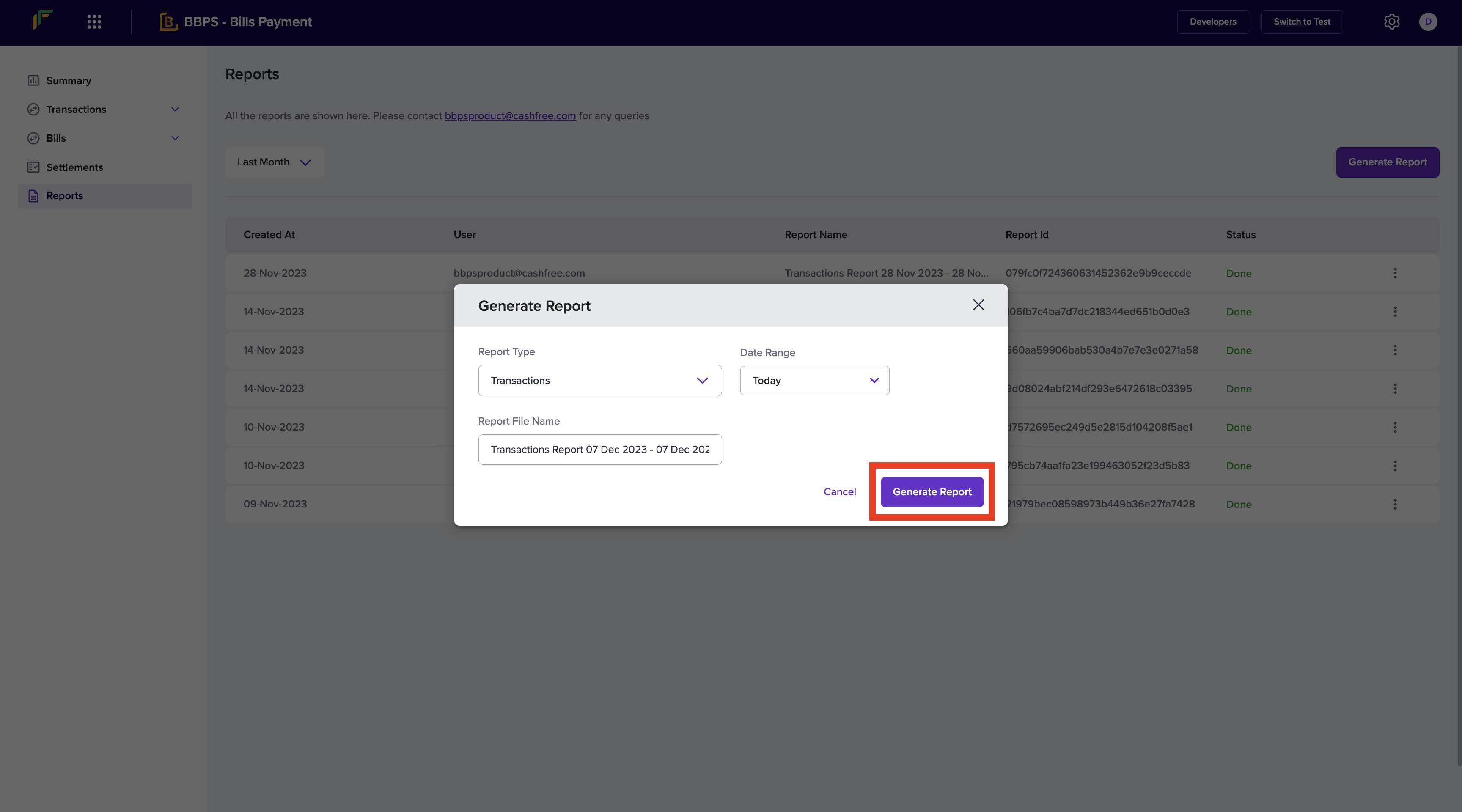
- Select the Report Type, Date Range, and provide a File Name. Once done, click Generate Report.
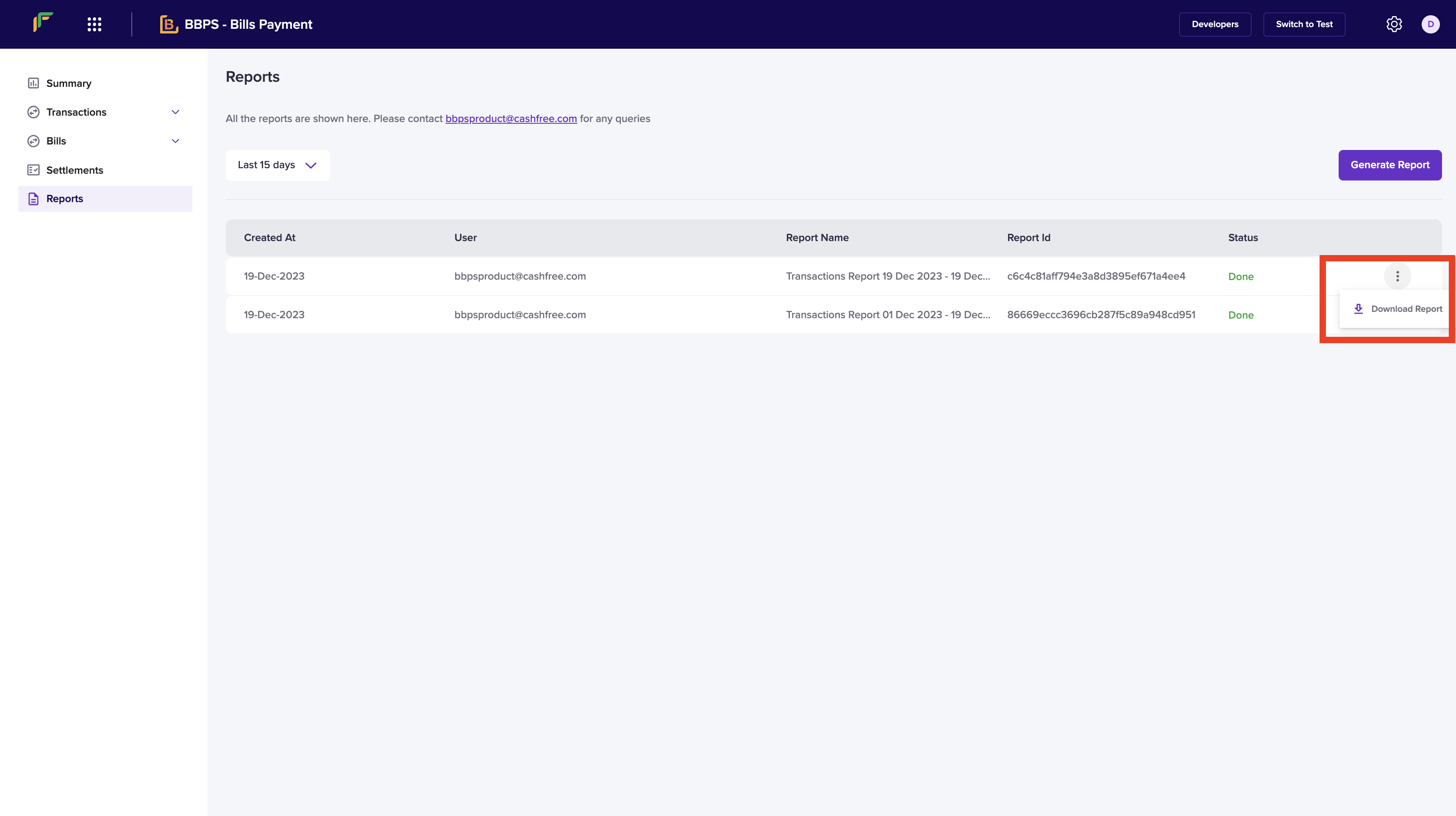
- You can also download your report. Click the ellipsis icon on the report you want to download and select Download Report.