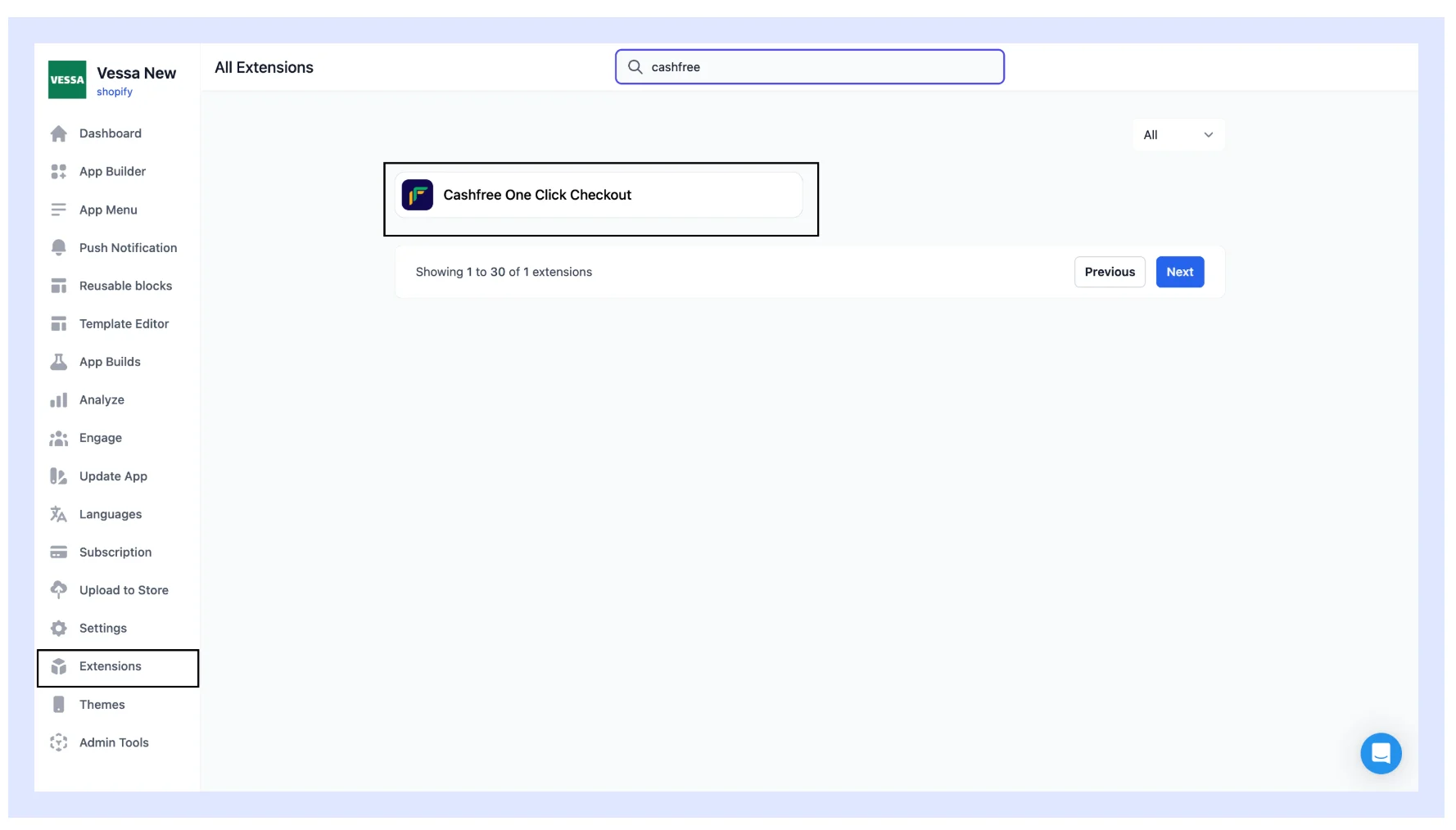
- Shopify: Add One Click Checkout to your Shopify store with OTP sign-in, pre-filled address details, UPI and card payments, cash on delivery (COD), and abandoned cart recovery..
- Custom website: Enable One Click Checkout on your existing Cashfree integration by extending the Create Order API and retrieving order details after payment.
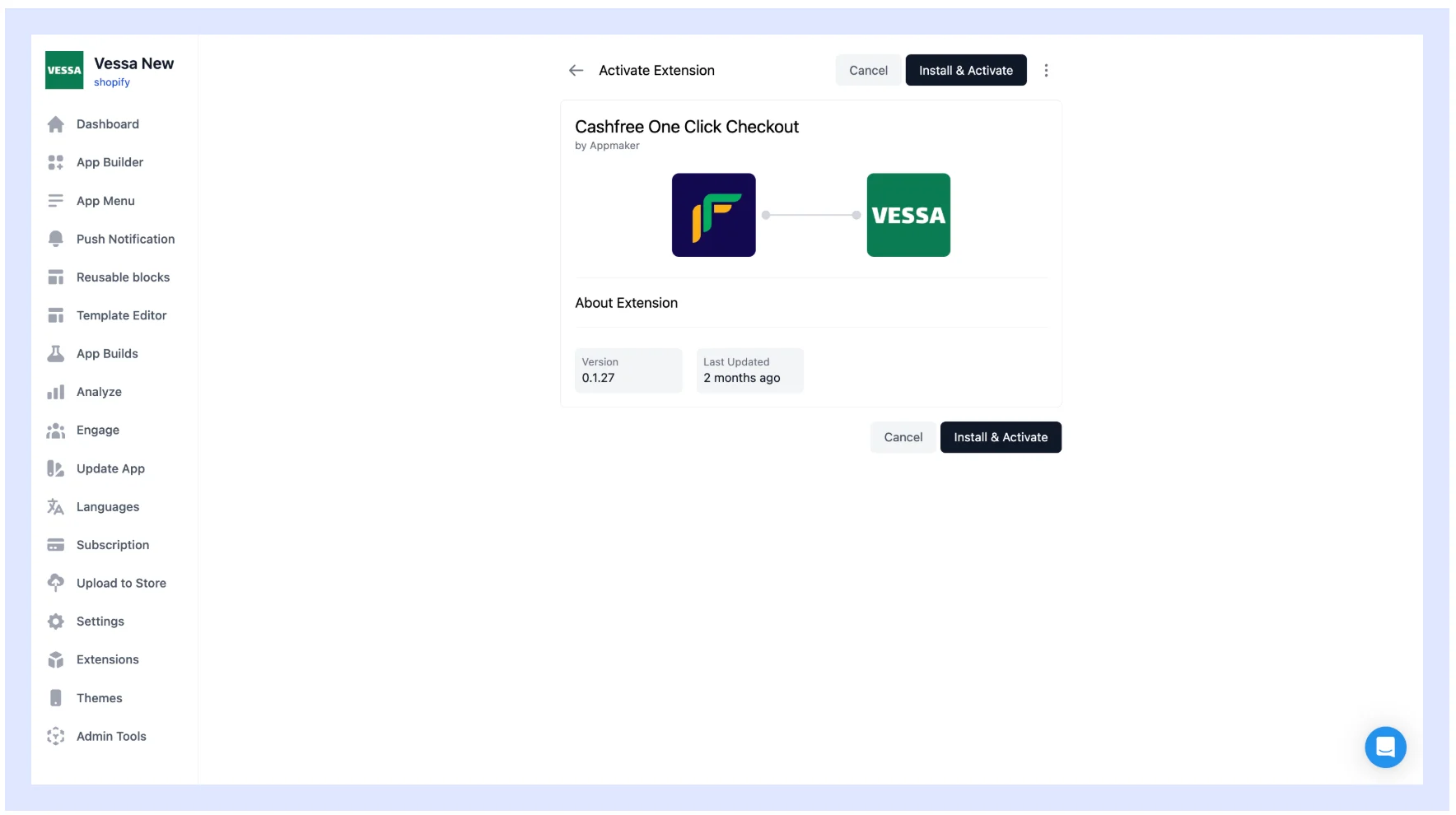
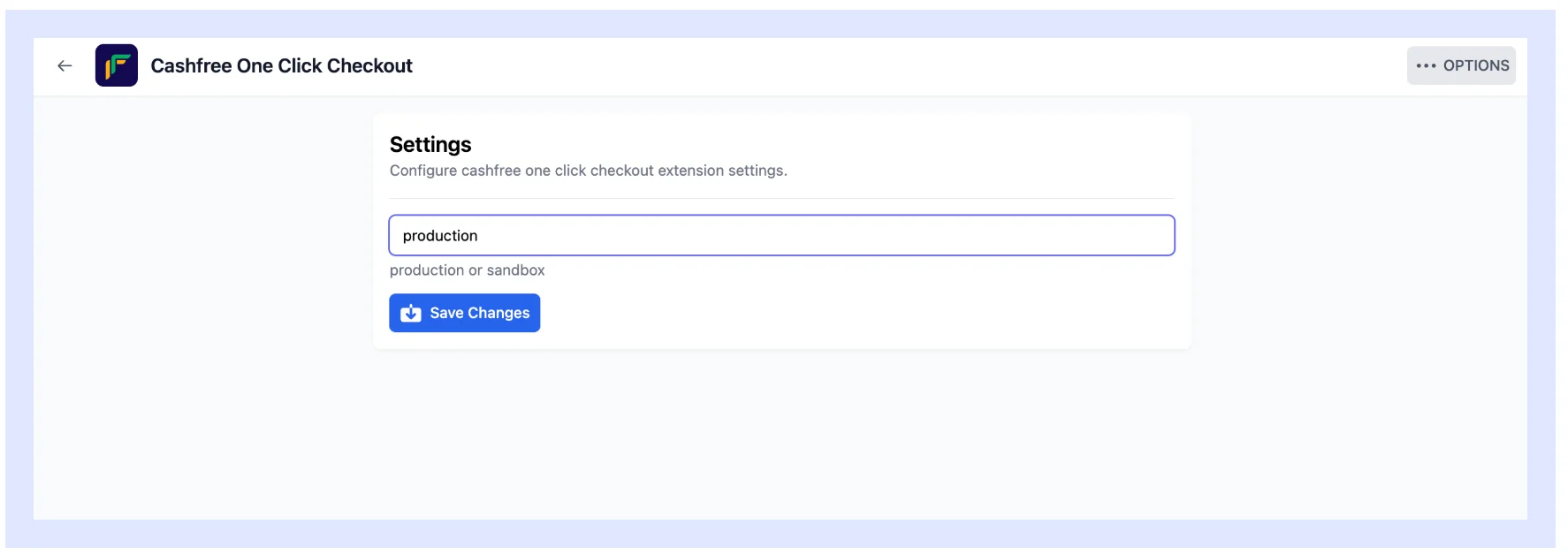
- Mobile app: Extend One Click Checkout to your Shopify mobile app using the native Cashfree extension in Appmaker.
- Shopify
- Custom website
- Mobile app
Complete setup in the following phases:
Before launching, configure shipping rules, COD settings, discounts, and branding in the Merchant Dashboard.Follow these steps to onboard and activate One Click Checkout (OCC) on your Shopify store.
Prerequisites
Before proceeding with the installation, complete the following steps:- Complete the Cashfree support form or contact your account manager.
-
Create and share the collaborator request code. Use these steps:
- Log in to your Shopify store using your admin credentials.
- Navigate to Settings > Users and permissions.
- Scroll down to the Collaborators section and copy the collaborator request code.
- Share your Shopify store URL.
To approve a collaborator request in Shopify: log in to your Shopify Admin dashboard, navigate to Settings > Users and Permissions, scroll to the Collaborators section, and click Review requests to view pending requests. Select the specific request, check the permissions under the Roles section, and approve the request. If you see an error stating “The role name already exists”, delete the auto-generated role and assign an existing one instead.
- Within 48 hours, you receive an app installation link, dashboard details, and setup instructions from Cashfree at your registered email address.
Installation
To install the OCC app on Shopify:- Open the installation link, then Log in to Shopify to complete the installation.
- Shopify redirects you to the Merchant Dashboard to finalise the installation.
-
To confirm the installation, check the installed apps in Shopify. The app should be listed as
cashfree-occ-<brand>. - You can now access your One Click Checkout dashboard.
Configure theme
Follow these steps to configure checkout on Shopify:- Log in to Shopify using your credentials.
- Navigate to Sales channels > Online Store > Themes.
- Select the ellipsis (⋮) next to the live theme, then select Duplicate to create a copy.
- Select the ellipsis (⋮) next to the duplicated theme, then select Edit code.
-
Search for and open the
theme.liquidfile. -
Add the following code before the
</head>tag: - Select the ellipsis (⋮) next to the duplicated theme, then select Preview. Review and confirm the checkout.
- Select Publish to set the updated theme as live.
OCC setup is specific to your Shopify theme. If you change your store’s theme, fill out the Support Form to have Cashfree re-configure One Click Checkout on the new theme. International order redirection also needs separate re-configuration on the new theme.
Frequently asked questions
For answers to common questions about COD and shipping profile setup, Shopify conversion-data syncing, and native checkout fallback scenarios, see the One Click Checkout FAQs.To verify your configuration before launch, complete the Go Live Checklist.If you have questions about the Shopify integration, submit a request through the Cashfree support form.- Order Creation Requirements: Ensure the following parameters are passed when creating an order: