

The Element SDK is available for both mobile (Android and iOS) and web-based flows.
Why use the Element SDK
The Element SDK offers the following benefits:- Create a fully customised checkout experience that aligns with your brand.
- Support multiple payment methods through a single integration.
- Simplify development compared to a fully API-driven integration.
- Maintain PCI compliance. If you’re not PCI DSS compliant, use the SDK card number component to collect card details.
How it works for card payments
The Element SDK handles card payments through two checkout flows: plain-card checkout for new card entries and saved-card checkout for returning customers.Plain-card checkout
The plain-card checkout process follows these steps:- If the merchant is PCI DSS compliant, they can build a custom checkout UI and collect card details such as the card number, CVV, and expiry on their checkout.
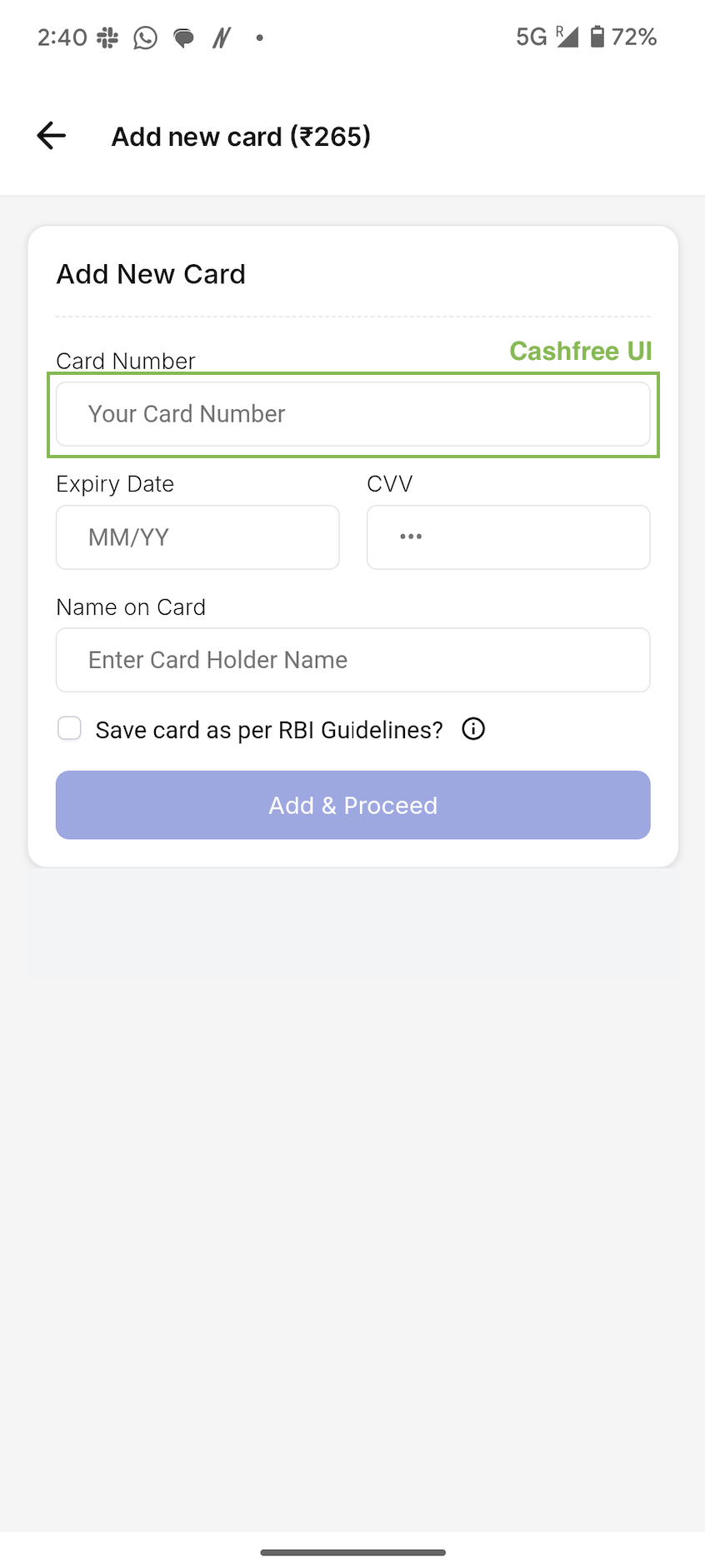
- If the merchant isn’t PCI DSS compliant, they can still build a custom checkout UI, but must use the Element SDK card number component to collect the card number and collect other card details such as CVV and expiry on their own checkout.
- You can also display a checkbox requesting customer consent for saving the card.
- Once the customer enters the card details, provides consent, and clicks submit, call the SDK with these details to initiate the payment.
- For the OTP authentication stage, the SDK offers a Native OTP experience with auto read and auto submit functionality.
Saved-card checkout
You have two options to render saved cards:- Call the Element SDK to render the list of cards on your checkout and process payments.
- Use the Get All Saved Cards API to fetch the list of saved instruments and render them yourself. Once the customer selects a card, pass its
instrument_idto the Order Pay API.
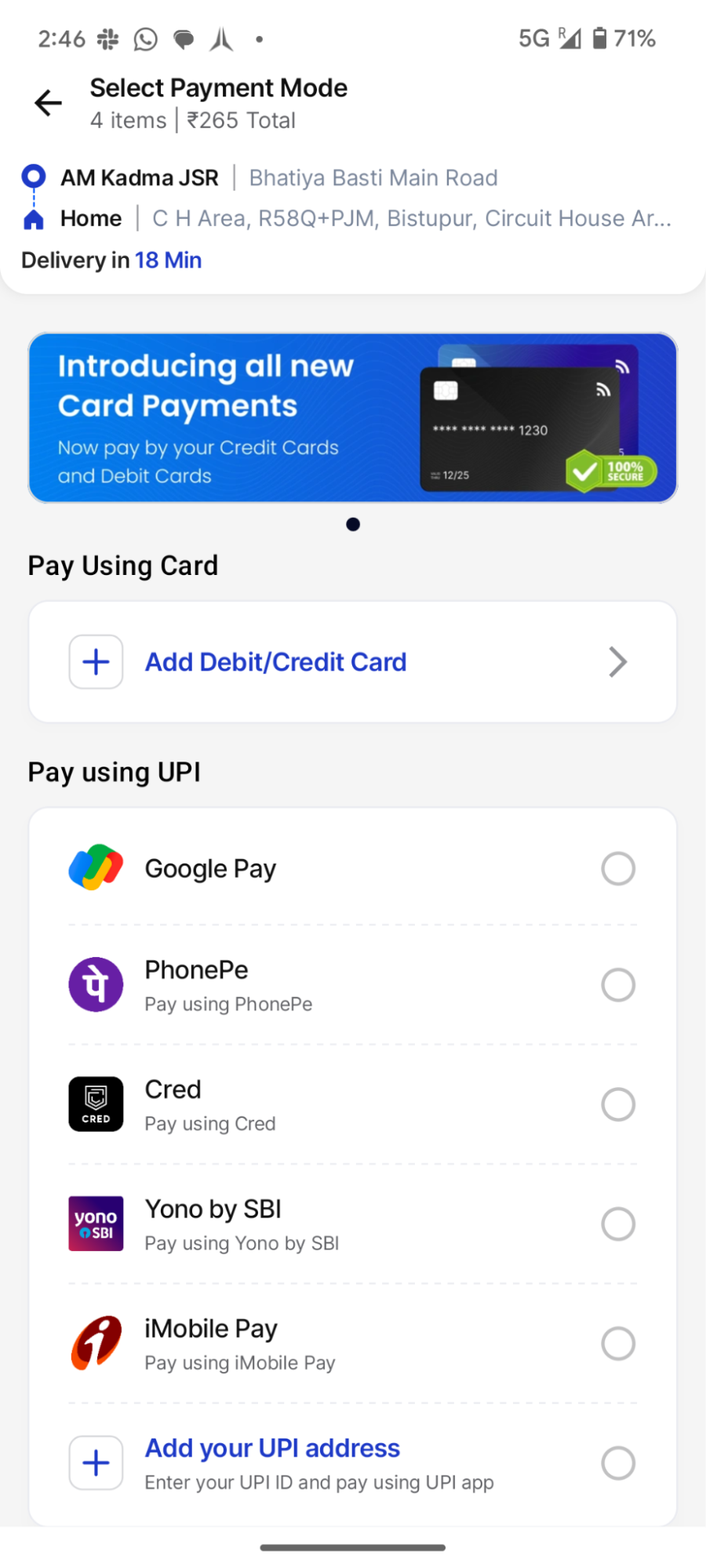
Card number field powered by the Element SDK
Additional merchant capabilities
The SDK provides the following capabilities for merchants:- Offer eligibility and payment availability: The SDK sends card-BIN details in a callback. Use this data to check supported payment methods or offer eligibility.
- Native OTP experience: During the authentication stage, the Native OTP screen appears, which auto-reads the OTP from the SMS and auto-submits it. This works for both plain-card and saved-card flows.
Getting started
To get started with the Element SDK:- Refer to the Web Element SDK for platform-specific guides.
- Contact your Cashfree account manager to enable the Element SDK if it is not already active on your account.