

Log in to the Merchant Dashboard.
Go to the Merchant Dashboard and log in to your Cashfree account.If you don’t have a Cashfree account, sign up for a Cashfree account. Refer to account onboarding, for more information.
Summary
The Summary section provides a real-time overview of your account performance and health through key metrics and visualisations:Fund sources
Fund sources
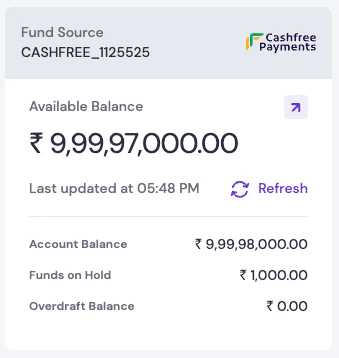
The Fund Sources widgets display your current financial status and available capital for payouts.Key metrics
- Available Balance: Reserved amount currently available in your wallet for initiating instant payouts.
- Account Balance: The total balance currently held in your Payouts account.
- Funds on Hold: Funds that are currently reserved or blocked for specific pending transactions.
-
Overdraft Balance: The utilised overdraft amount, if the facility is enabled for your account.
Transfer efficiency
Transfer efficiency
Analyse the performance of your payout channels to identify the most efficient payment modes.Performance metrics
- Success Rate: The percentage of successful transfers over a selected time period.
- Transfer TAT: The average turnaround time for transfer completion across different modes.
Transfers graph
Transfers graph
Visualise your transaction volume and value trends over time to identify business patterns.Graph features
- Toggle View: Switch between Amount and Count to view either total value or transaction frequency.
- Time Ranges: View data for Last 30 minutes, Today, Last 7 days, Last 15 days, Last Month, or a Custom Date Range.
-
Data Filtering: Use the Search & Filter dropdown to narrow down visual data by specific Fund Source.
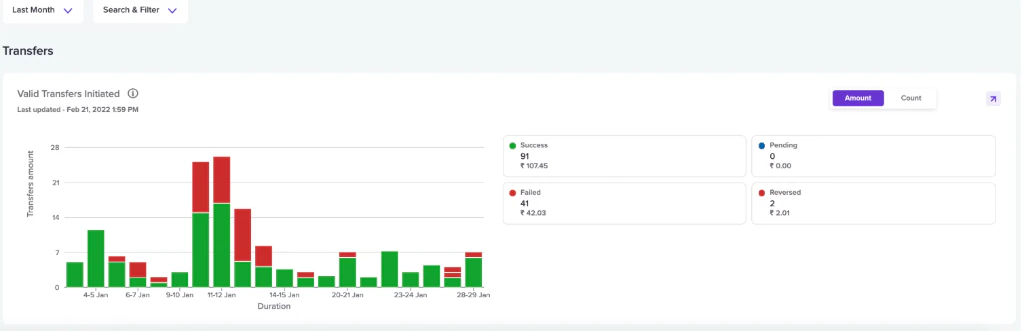
Use the Summary section to get a quick snapshot of your disbursal operations and ensure you have sufficient balance for upcoming payouts.
Disbursals management
The core sections of your dashboard designed for managing recipients and executing transfers:Beneficiaries
Beneficiaries
The Beneficiaries section allows you to manage the recipients of your payouts. Add customers, vendors, or partners to enable instant payments.Management options
- Individual Addition: Add beneficiaries one by one using bank account details (Account Number, IFSC) or UPI IDs.
- Bulk Upload: Process multiple recipients simultaneously by uploading a file.
- Verification: Ensure funds reach the correct destination by using beneficiary verification tools.
- All: View all registered beneficiaries.
- Batch: Access beneficiaries added via bulk upload.
Transfers
Transfers
The Transfers section is where you initiate and monitor your disbursal operations.Initiation modes
- Quick Transfer: Perform single transactions instantly for immediate needs.
- Batch Upload: Process up to 10,000 transfers at once using a predefined CSV or Excel file.
- Status Tracking: Monitor the real-time progress of all initiated transfers from pending to completion.
- All: View all transfer transactions.
- Batch: Access batch transfers uploaded via file.
- Approve Batch: Review and approve pending batch transfers.
- Reversed: Track transfers that were returned or reversed by banks.
Payout products
Explore specialised payout solutions for specific business needs and security:Cashgram
Cashgram
Cashgram allows you to send instant refunds, prizes, or deposits via a secure payout link.Key features
- Ease of Use: Send money even without knowing the recipient’s bank account details.
- Omnichannel delivery: Share links via Email or SMS.
- Recipient Choice: Let customers choose their preferred method—Bank Account, UPI, or Wallet—to receive the funds.
- All: View all generated Cashgram links.
- Batch: Access Cashgrams created via bulk upload.
- Approve Batch: Review and approve pending batch Cashgram requests.
Payout Protect
Payout Protect
Payout Protect flags and blocks risky transactions to protect merchants from potential financial loss. It scans and intercepts transfers that may lead to security breaches or fraudulent activities.Security features
- Anomaly Detection: Uses machine learning to identify patterns that deviate from expected behaviour in real-time.
- Smart Rules: Set velocity-based rules on the maximum number of transfers and cumulative amounts to manage risk with precision.
- Review Workflow: Flagged transfers are held for manual investigation, allowing you to approve or block them based on your scrutiny.
- Overview: Real-time status of your Payout Protect setup and intercepted transaction metrics.
- Risky Transfers: Detailed log of transactions flagged for manual review or blocked by rules.
- Smart Rules: Interface to create and manage custom velocity and amount-based security filters.
- My Lists: Manage your custom security lists to automatically block or approve transfers.
- Blacklists: Add known fraudulent mobile numbers, emails, UPI VPAs, or bank accounts to block outgoing transfers automatically if beneficiary details match.
- Whitelists: Add trusted beneficiary details to bypass certain security checks and ensure seamless transfers to verified recipients.
Account and reports
Manage your account transparency and generate data for business reconciliation:Fund sources
Fund sources
Manage your connected bank accounts and wallets. Track registration details, activation status, and monitor system health.Available views
-
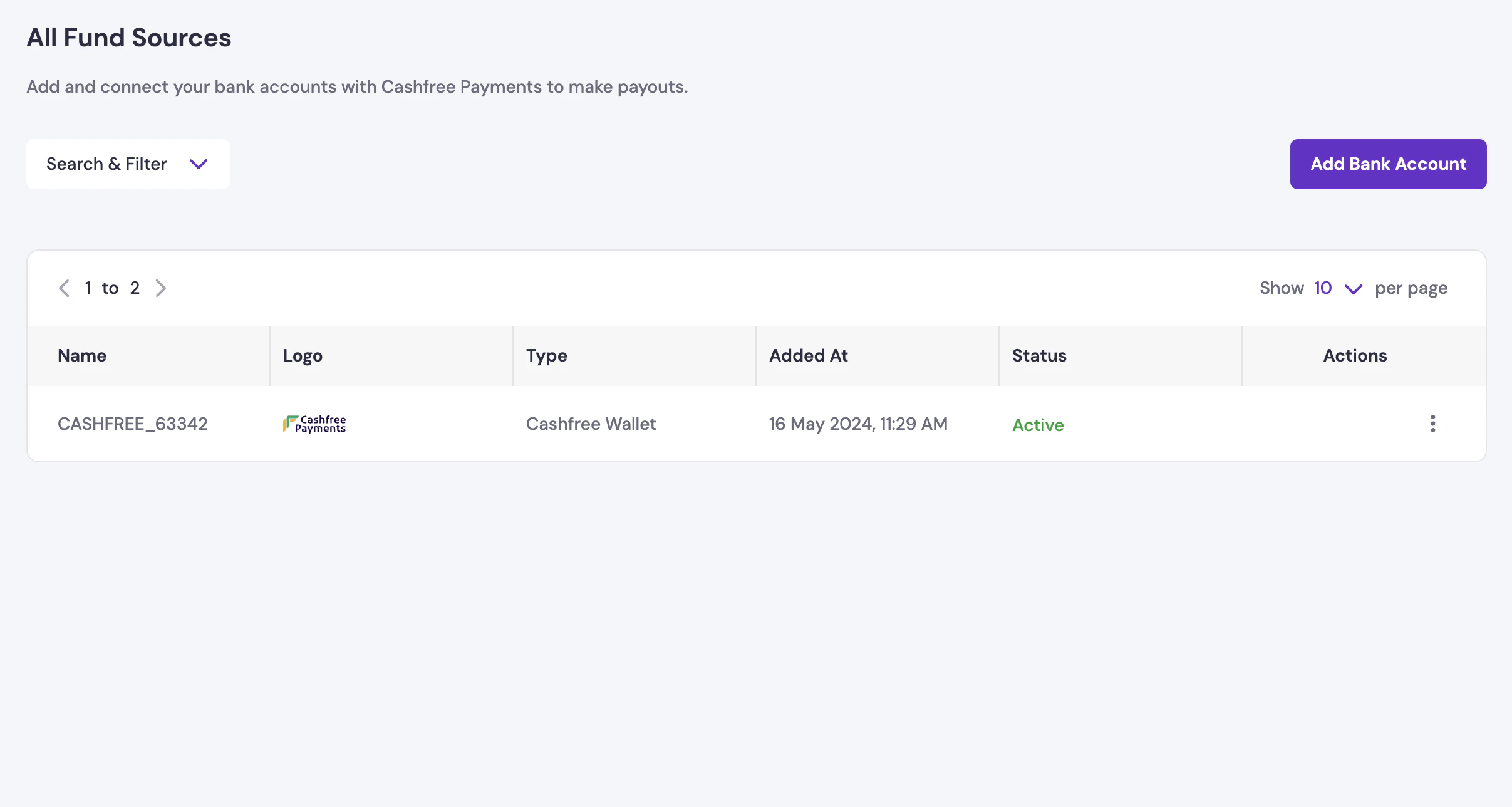
All: View and manage all your connected bank accounts and wallets. Track registration details, account types, and activation status. Use the Add Bank Account option to link new fund sources to your Payouts account.
-
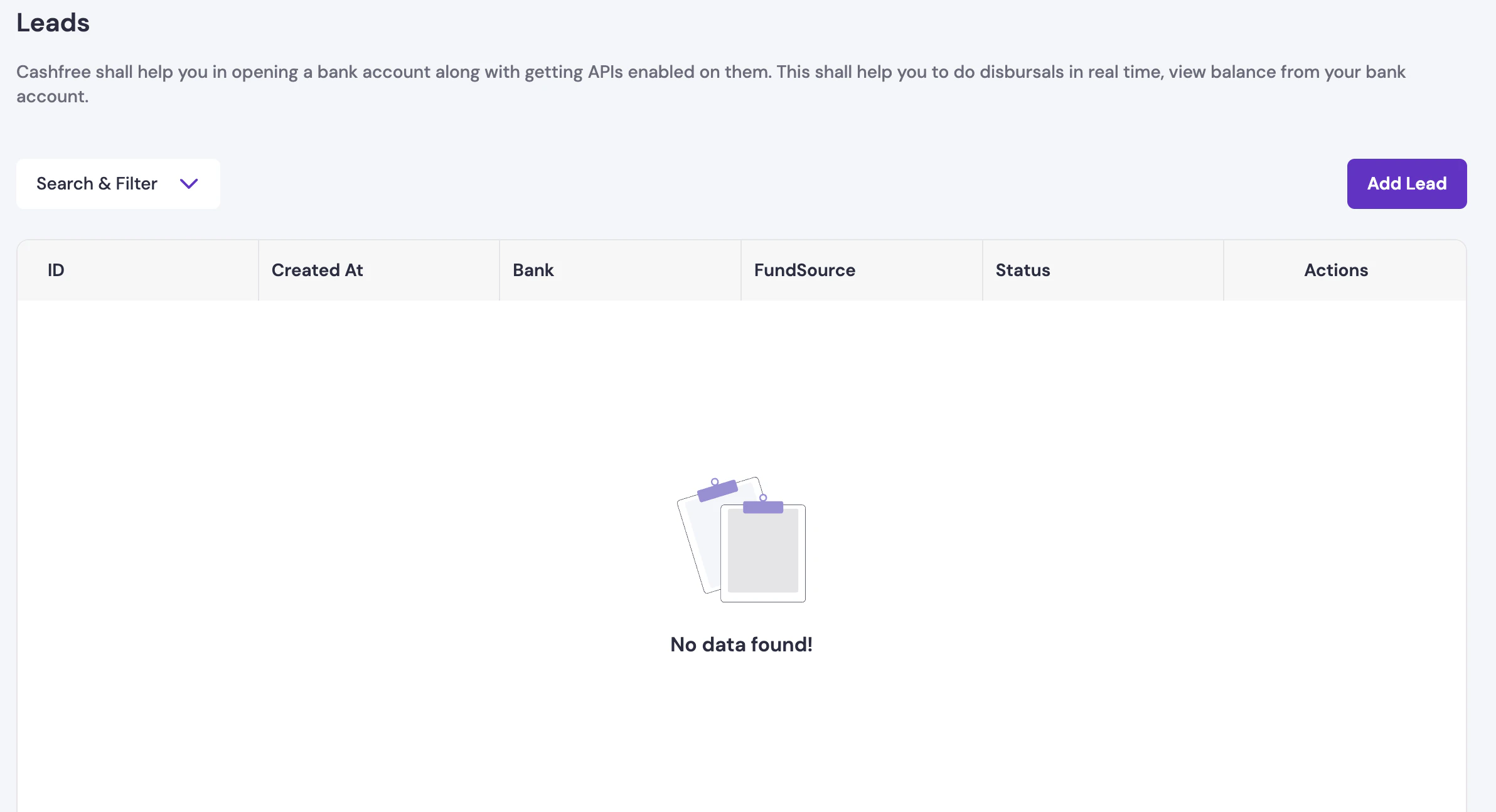
Leads: Initiate and track requests for opening new bank accounts with Cashfree’s assistance. This allows you to enable APIs for real-time disbursals and balance monitoring directly from your bank account.
-
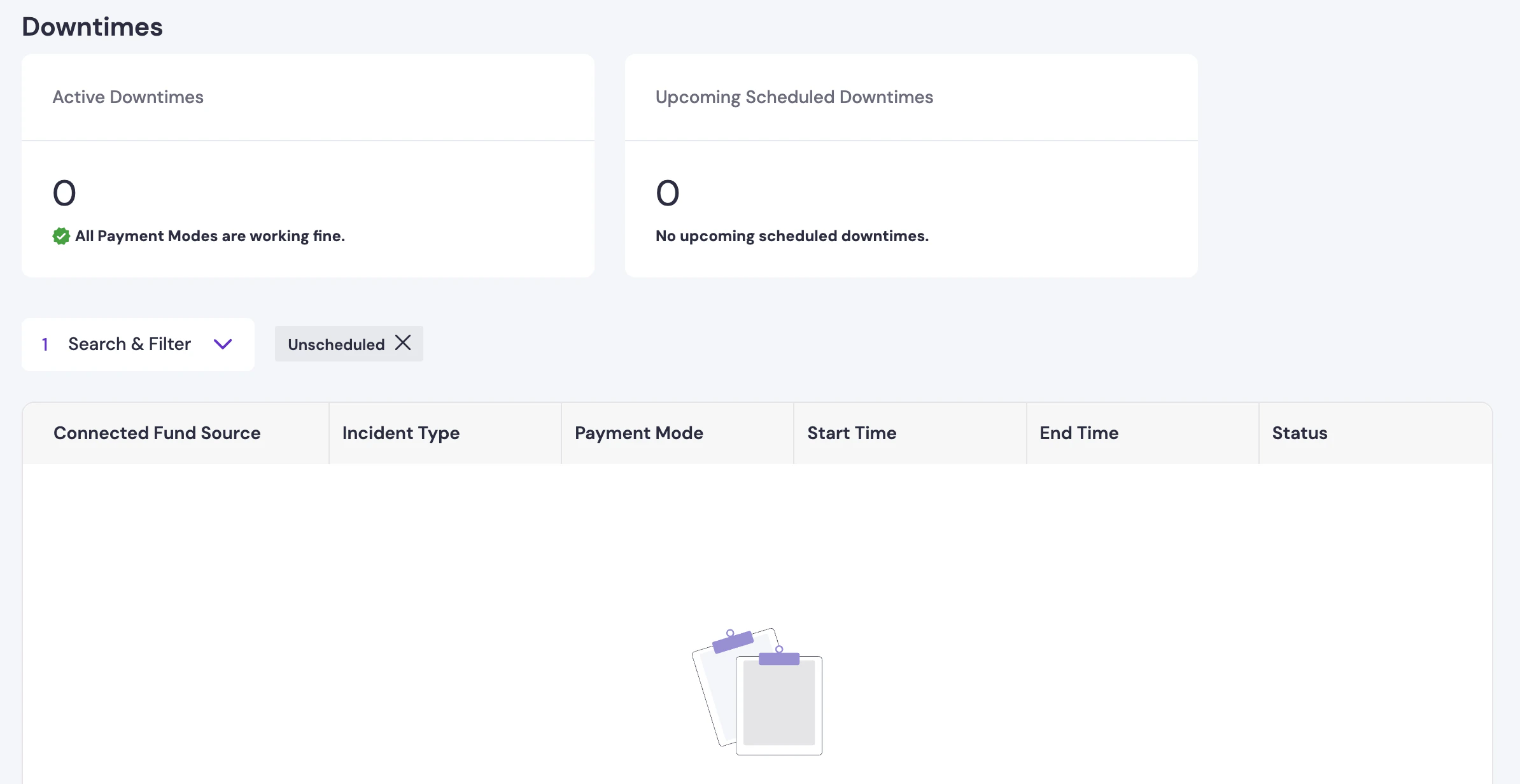
Downtimes: Monitor the health of your payment modes and fund sources. View active incidents and upcoming scheduled maintenance to plan your disbursals around potential service interruptions.
ERP Connector
ERP Connector
Connect your existing bank accounts directly to the Payouts dashboard to enable seamless disbursals and automated reconciliation.Key features
- Bank Integration: Connect with supported banks like Canara Bank and AU Bank to initiate payouts directly.
- Seamless Payouts: Enable ERP-led disbursals without manual file uploads.
- Consent Management: Securely manage your bank consents and connection status within the dashboard.
Account
Account
The Account Information screen provides details about your registered profile and wallet configuration.Available details
- Profile info: View your registered business information and Payouts identifier.
- Funding details: Access the bank account details assigned to you for adding funds to your Cashfree Wallet.
- Configurations: Monitor your active fund sources and account-specific settings.
Developers
Developers
The Developers section provides integration tools for businesses automating their payouts programmatically.Tools and features
- API access: Automate disbursals to bank accounts, UPI IDs, and cards directly from your applications.
- Keys and webhooks: Manage API keys for authentication and configure webhooks to receive real-time notifications about transfer status updates automatically.
Reports
Reports
The Reports section helps you generate and download detailed transaction data for audits and reconciliation.Available reports
- Transfer Reports: Full history of successful, failed, and pending transfers.
- Account Statements: Complete log of all debits, credits, and balance changes.
- Reversed Reports: Specific details of transactions returned or reversed by banks.
- Cashgram Reports: Activity logs for all generated payout links.