

T+x*: Settlement cycle is subject to bank approval and can vary based on
transaction type, business category/model, risk parameters, and other factors.
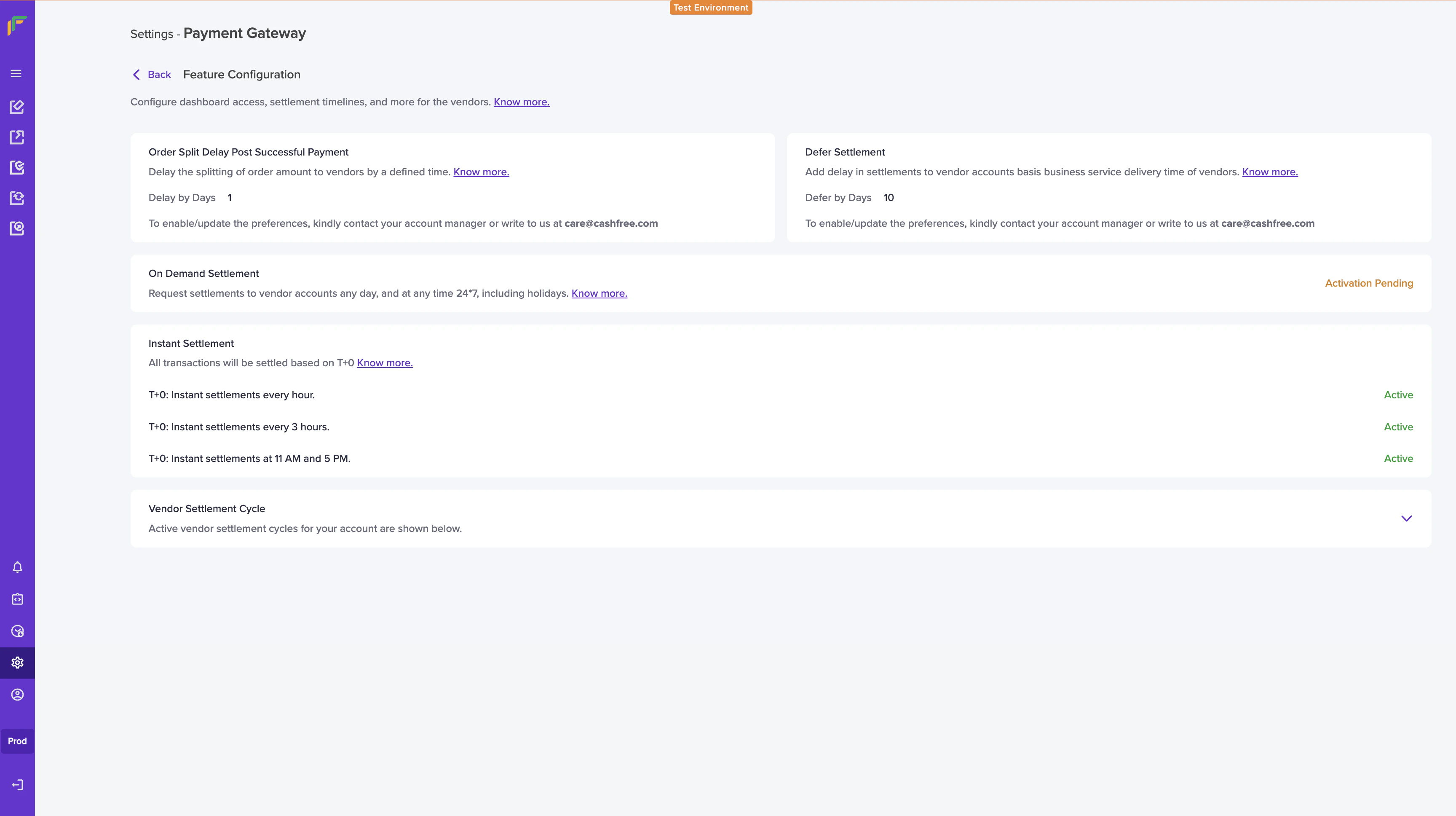
- Go to Settings>Easy Split>Feature Configuration
- Enable order split delay by using the toggle button. Set the delay days and click Save Changes.
By default, order level delay will be enabled and the default delay value is
“01”.
Scenario 1: Split invoked within split delay range
The customer pays an amount of Rs. 1000, on 1st December 2022 at 10:10 AM. You invoke the Split API on 2nd December at 2.20 PM. The Split information has details such as vendor ID, split amount or percentage, and split type.
When Split API is initiated, the split happens as per the split information (Merchant : Vendor :: 30% : 70%)
- The vendor amount of Rs. 700 is settled that day as the vendor schedule option ID is: 6 (Instant Hourly Settlement on working days).
- The merchant settlement amount of Rs. 300 is settled on December 3rd at 11:00 AM as the schedule option configured is T+2*.
The customer pays an amount of Rs. 1000, on 1st December 2022 at 10:10 AM. Since split is not invoked within the split delay range, you get the entire order amount (Rs. 1000) on 3rd December at 11:00 AM as the merchant schedule option is T+2*.