
Documentation Index

Fetch the complete documentation index at: https://www.cashfree.com/docs/llms.txt

Use this file to discover all available pages before exploring further.

The refunds report gives you details of all the refunds that are initiated in the selected time period. It captures all the refunds and split information of the vendors. It also includes details such as refund ID, order ID, transaction, refund amount, date, and more. To view the refunds report,
  1. Go to Payment Gateway Dashboard > Reports.
  2. In the Report Type field, select Refunds, and click Generate Report.
  3. Select the date range, file format, and file name. and click Generate Report.
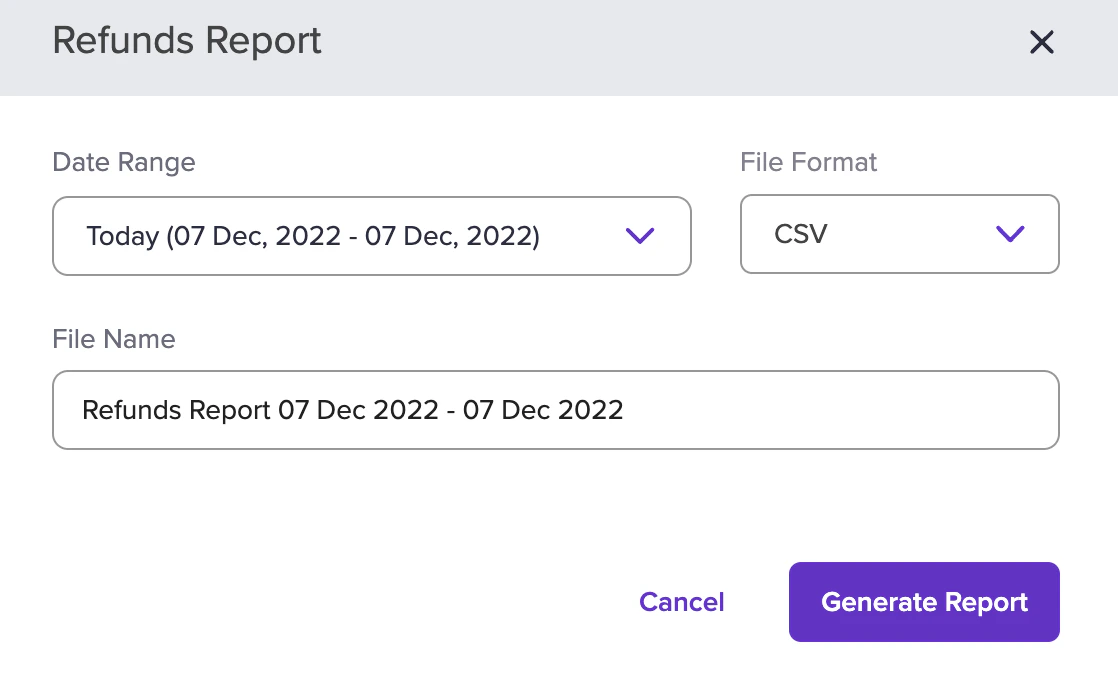
Refunds Report The report will be generated based on the criteria you have filtered. You can download the report after it has been generated.