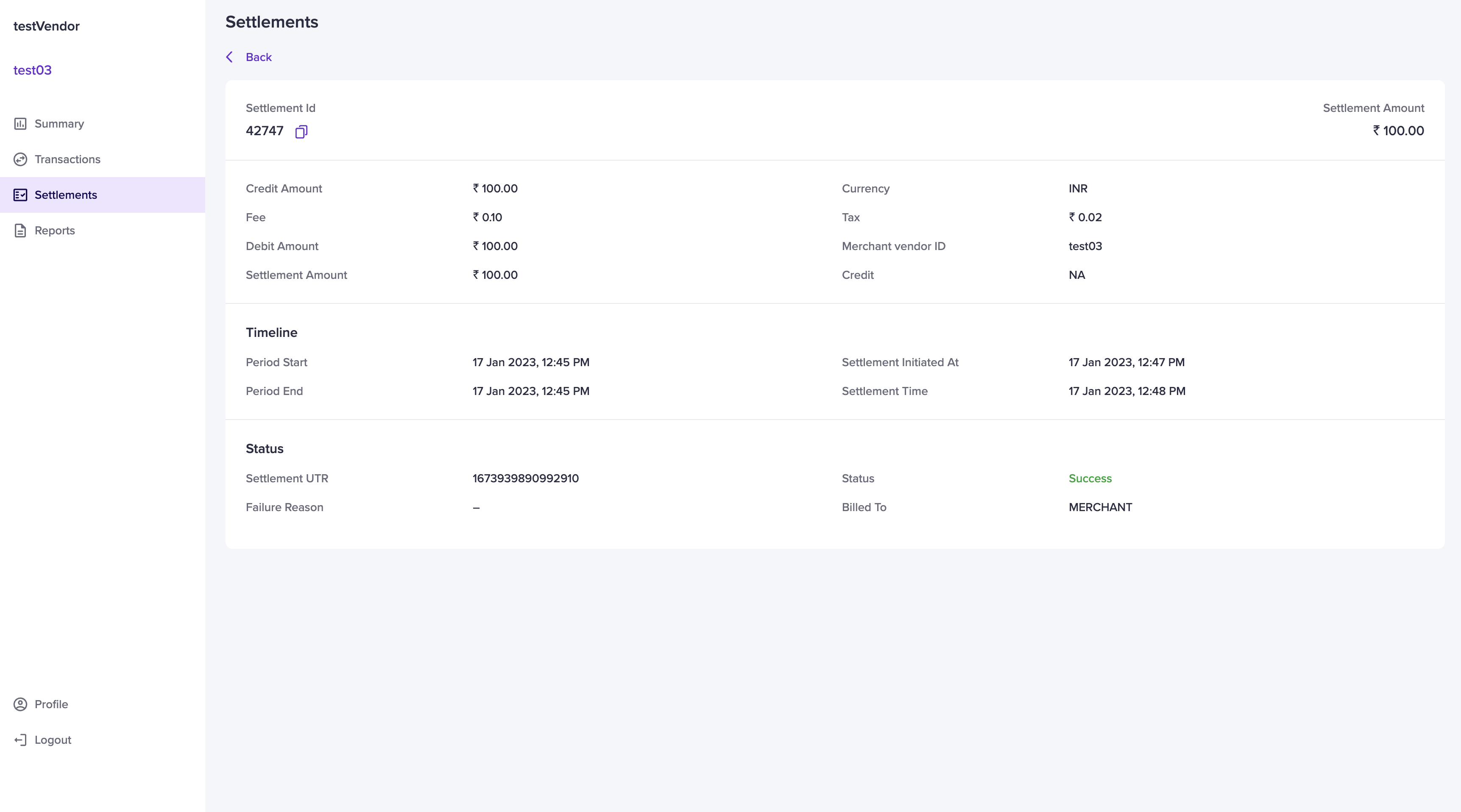
Standard settlement
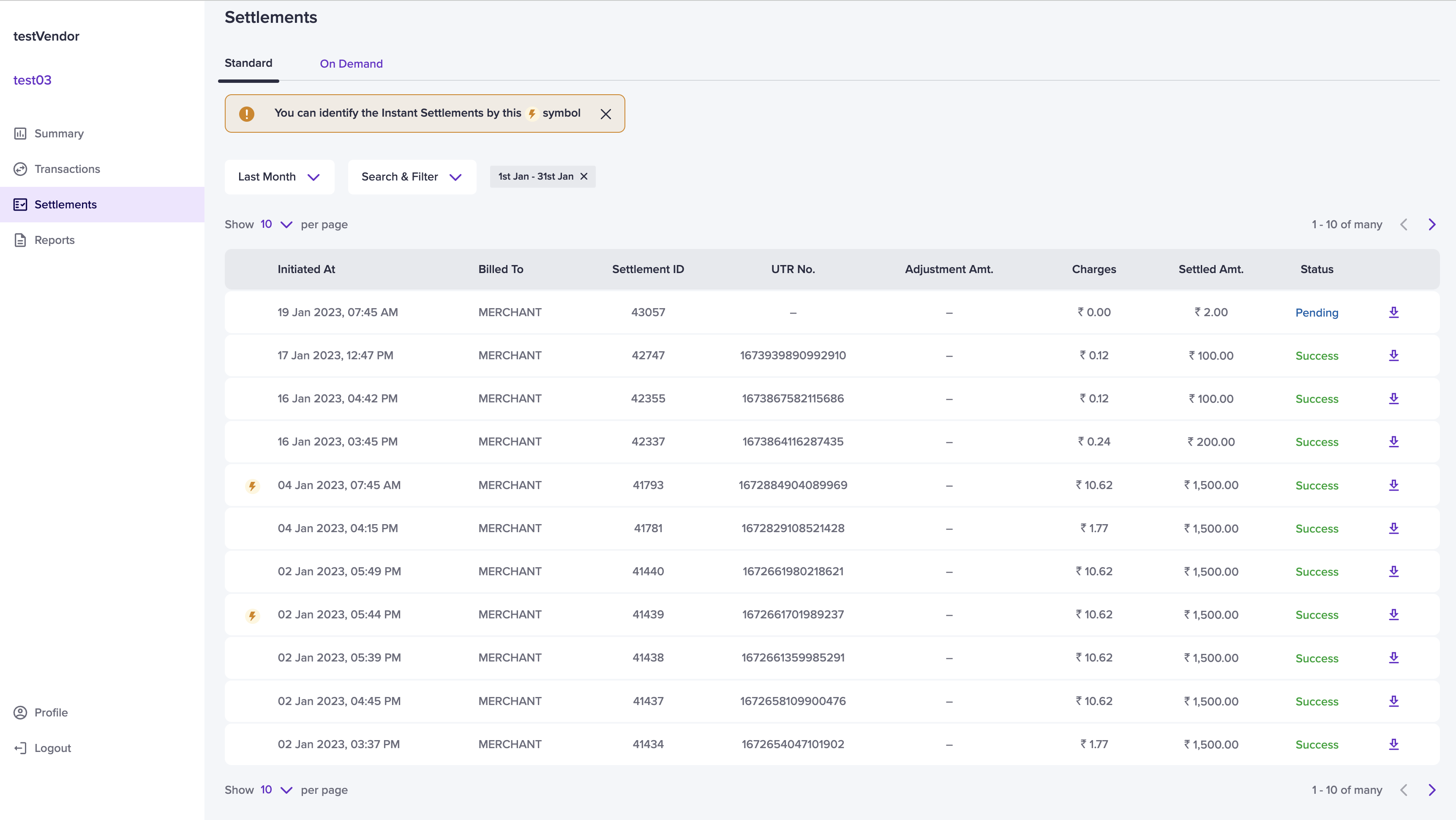
The standard schedule option in Cashfree is T+2* days, where T is the date of the transaction. For instance, if the transaction takes place on a Monday, the settlement is credited to your vendor’s account on Wednesday. The standard settlements happen only on bank working days. By default, the standard settlement tab will be displayed.T+x*: Settlement cycle is subject to bank approval and can vary based on
transaction type, business category/model, risk parameters, and other factors.
Instant settlement
You can settle your vendors instantly through the instant settlement feature. For more information, see Vendor instant settlement.Vendors can identify an instant settlement by this ⚡️ symbol.
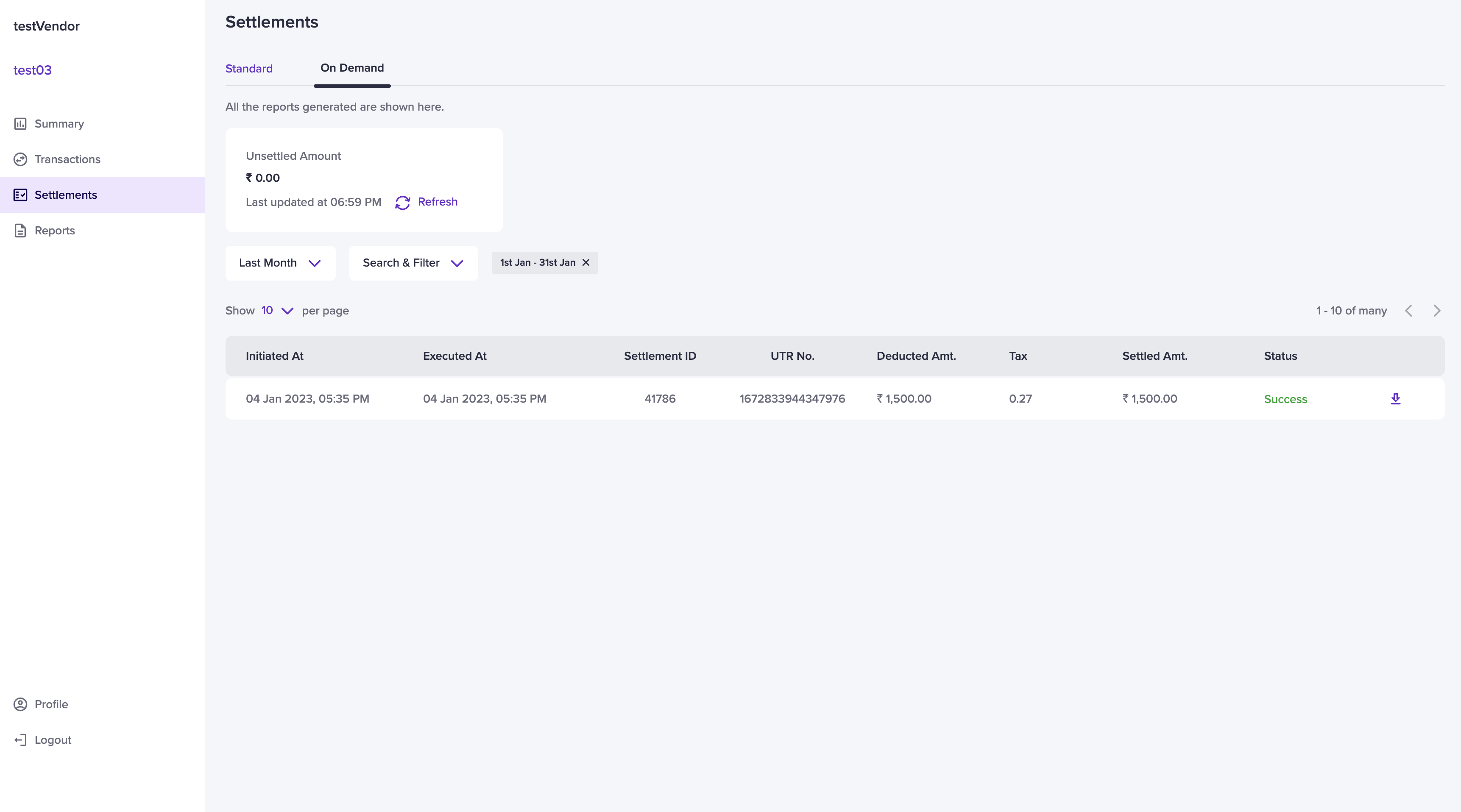
On demand settlement
With vendor on-demand settlements, you can settle the unsettled balances to your vendors bank account instantly 24*7, including holidays. To view vendor on-demand settlement, Go to vendor dashboard > Settlements > On Demand. Select a particular on-demand settlement to view more details. For more information, see On-demand settlements.