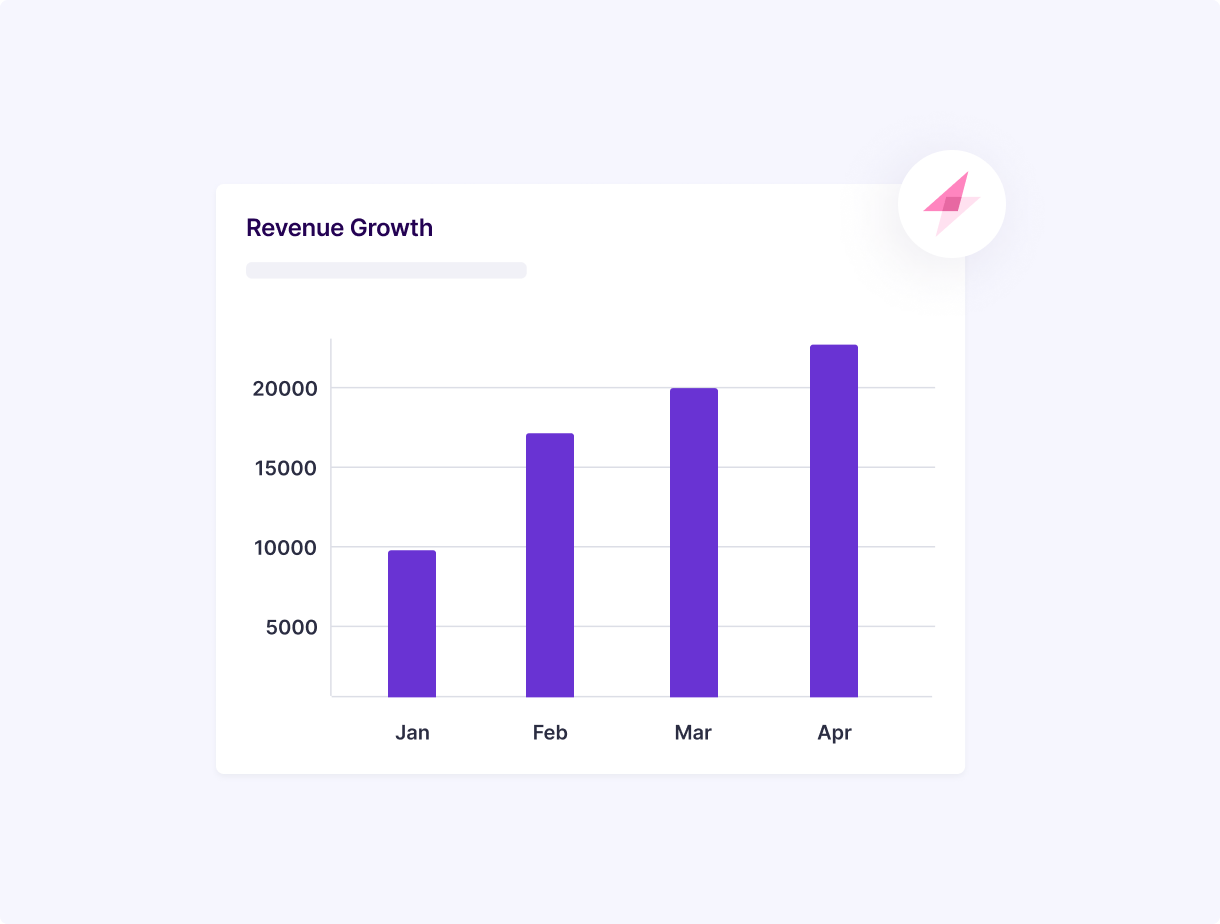
Increase sales of high value goods
Average monthly customer spend on credit cards is ₹16,000+. Tap into the customer’s increased propensity to shop by offering credit card EMI and get expensive items to fly off the shelf easily.
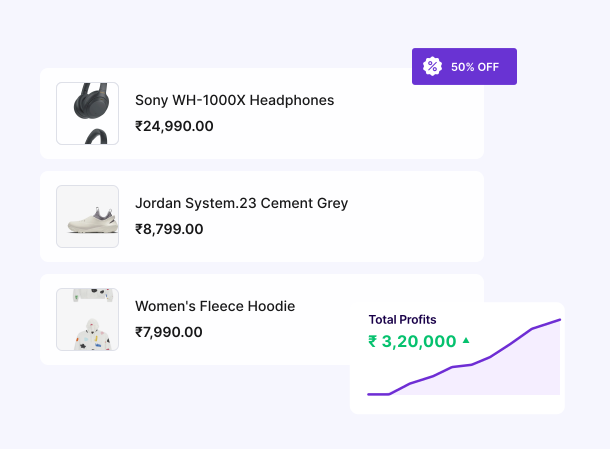
Reduce cart abandonment
Customers abandon their shopping carts if they find the price of their desired products too high. Bring down the cart abandonment rates by allowing customers to pay in smaller, flexible installments with credit card EMI option.
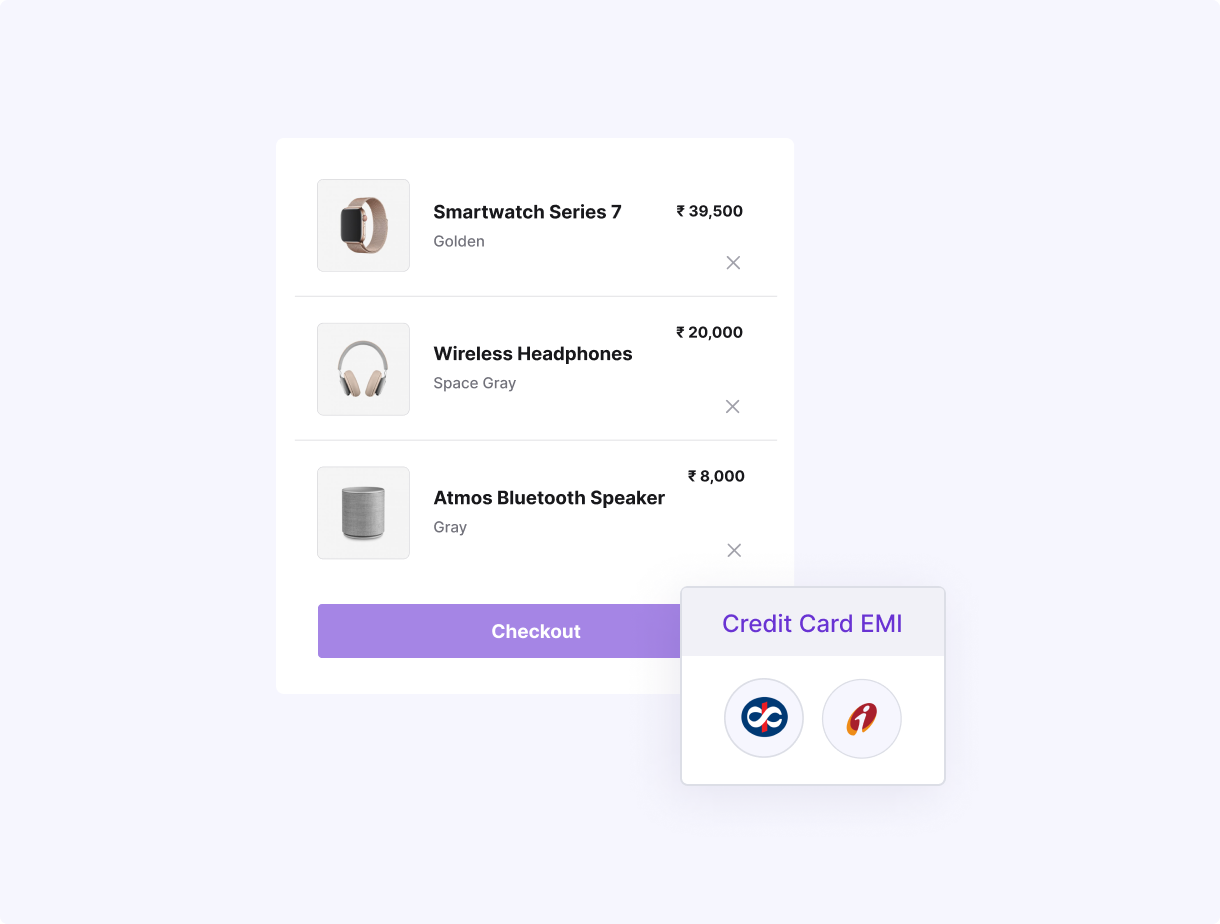
Sustain demand all year round
No more month-end blues or the need to wait for end of season sales to clear out your inventory. By enabling zero upfront payment through credit card EMI, you can give your customers the freedom to shop all year round, without any budget constraints.
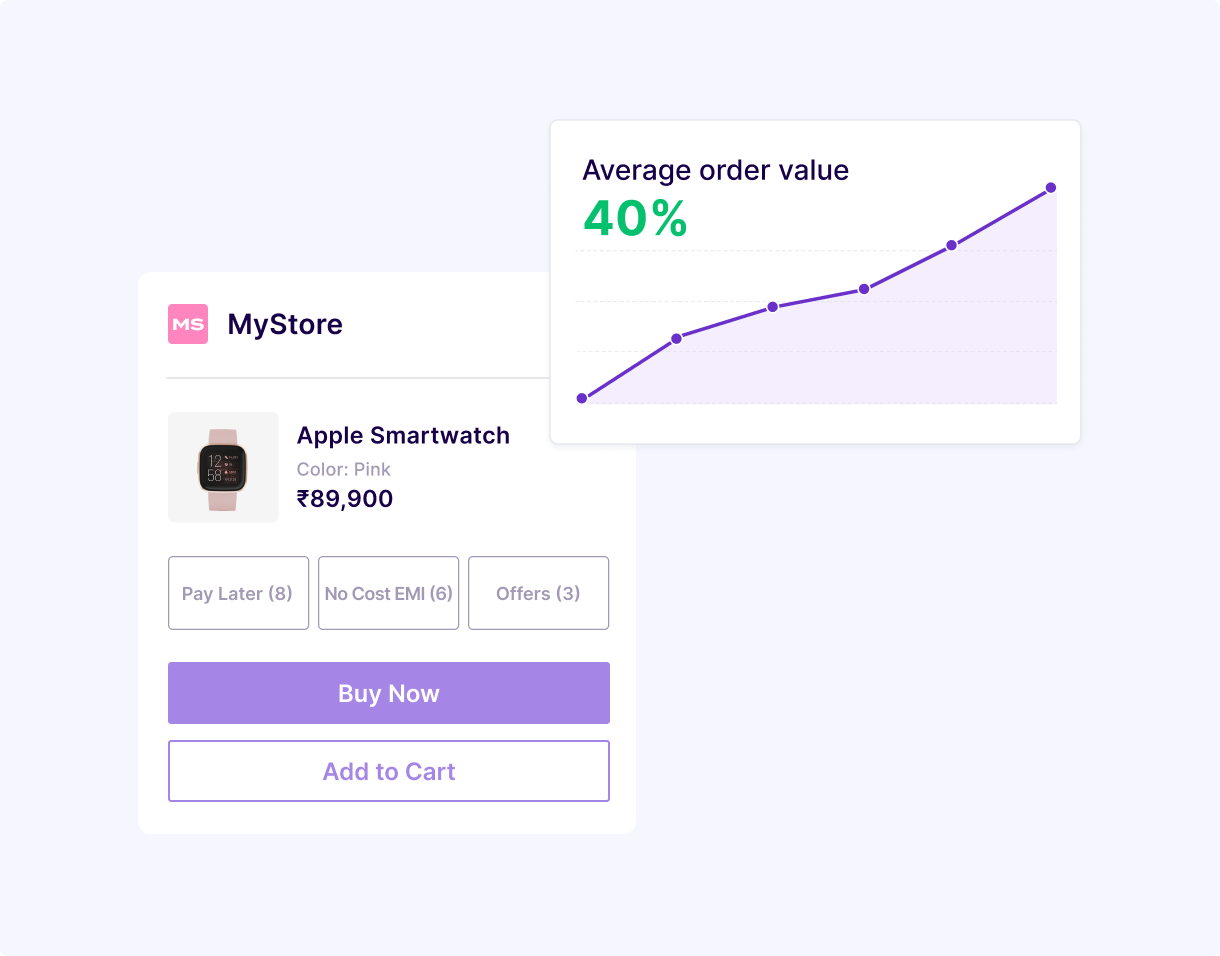
Build loyalty and repeat business
Offering flexibility in payment through EMI on credit cards creates a happy shopping experience and encourages customers to return to your online store for future purchases.